Deployment & DevOps

Qt QML: Deploy to Desktop, Mobile and Embedded

Take one Qt QML application and ship it to every platform Qt supports: Windows, Linux, macOS, Android, iOS, and embedded ARM. Complete with installers, signed bundles, and a GitHub Actions pipeline that builds it all from a single git tag.

Intermediate
60+ hours
C++/QML
Qt QML: Deploy to Desktop, Mobile and Embedded
Qt
Course Preview

See What You'll Ship

One Qt QML app. Seven production-ready targets. Every chapter ends with an artifact you can distribute.

Qt QML: Deploy to Desktop, Mobile and Embedded - Course Demo
60+ hours
500 students
4.8 rating
Real Packages, Not Demos

Installers, signed DMGs, AppImages, signed APKs. Real artifacts that real users can install.

Every Tool Explained

windeployqt, linuxdeploy, macdeployqt, CPack, codesign, notarytool and more

One App, Seven Targets

Same CMakeLists.txt produces Windows, Linux, macOS, Android, iOS, ARM, and CI builds

Package and Deploy on Desktop, Mobile and Embedded

One Qt QML application. Seven production-ready targets. Every platform your users are on.

1
Desktop
Qt C++

Desktop

Ship Squared as polished native packages on Windows (NSIS installer + ZIP), Linux (AppImage + DEB + tar.gz), and macOS (signed & notarized DMG). Learn windeployqt, linuxdeploy, macdeployqt, CPack, codesign, and notarytool.

Full Source Code
Step-by-step Guide
Beginner Friendly
2
Mobile
Qt C++

Mobile

Cross-compile Squared for Android (signed APK + AAB for the Play Store) and iOS (simulator build, device build, signed IPA). Covers keystores, provisioning profiles, and the full signing chain for both platforms.

Full Source Code
Step-by-step Guide
Beginner Friendly
3
Embedded
Qt C++

Embedded

Cross-compile Qt and Squared for Raspberry Pi using Docker. Generate a sysroot, write a CMake toolchain file, build Qt from source in a container, deploy to the Pi, and run as a systemd service.

Full Source Code
Step-by-step Guide
Beginner Friendly
Complete Course Content

What's Inside The Course

9 Chapters, 67 Lectures: Ship Your Qt QML App to Every Platform

9 Chapters
67+ Lessons
0+ Hours
Lifetime Access

Chapter 1: Welcome & Orientation Available

3 lessons 1 / 9

Get oriented with the course structure, meet the Squared app you'll ship to every platform, and learn how to follow along effectively.

You'll achieve: A clear roadmap of your deployment learning journey and all resources ready to go

Chapter 2: Play with the Environment Available

3 lessons 2 / 9

Get a working Qt dev environment on your OS with the Squared app building and running. Covers Windows, Linux, and macOS setup so you're ready to deploy from any host.

You'll achieve: Squared app building and running on your machine, ready for deployment work

Chapter 3: Windows Deployment Available

6 lessons 3 / 9

Package Squared for Windows. You'll fix the missing DLL launch failure with windeployqt, build a proper cmake --install tree, and produce an NSIS installer with Start Menu and Desktop shortcuts plus a portable ZIP for zero-install users.

You'll achieve: A polished NSIS installer and a portable ZIP ready for Windows users

Chapter 4: Linux Deployment Available

10 lessons 4 / 9

Package Squared for any modern Linux distribution. Strip RUNPATH, wire up qt.conf, run linuxdeploy inside Docker for reproducible builds, and produce three distributable formats: a portable AppImage, a Debian .deb, and a plain tar.gz bundle. FreeDesktop .desktop files and hicolor icon theme included.

You'll achieve: An AppImage, a .deb, and a tar.gz bundle, plus a Docker-based build you can run in CI

Chapter 5: macOS Deployment Available

10 lessons 5 / 9

Produce a macOS app bundle that launches on any Mac without Gatekeeper warnings. Run macdeployqt, fix @rpath and @executable_path library paths, sign with a Developer ID certificate, notarize through Apple, staple the ticket, and package into a branded DMG.

You'll achieve: A signed, notarized, distributable DMG plus a tar.gz portable bundle

Chapter 6: Android Deployment Coming Soon

9 lessons 6 / 9

Cross-compile Squared for Android, configure the manifest and launcher icons, build with qt-cmake, understand the android-build directory and APK internals, sign with a keystore, and produce both an APK and an AAB ready for Play Store upload.

You'll achieve: A signed APK and an Android App Bundle (AAB) ready for Play Store upload

Chapter 7: iOS Deployment Coming Soon

9 lessons 7 / 9

Build Squared for iOS with static Qt linking, produce a simulator build and a device build, handle asset catalogs and export options, sign with a provisioning profile, and create a distributable IPA.

You'll achieve: A simulator build, a device build, and a signed IPA

Chapter 8: Embedded Linux ARM (Raspberry Pi) Coming Soon

9 lessons 8 / 9

Cross-compile Qt and Squared for Raspberry Pi using Docker. Generate a sysroot, write a CMake toolchain file, build Qt from source inside a container, deploy to the Pi, and configure Squared to run as a systemd service on boot.

You'll achieve: A cross-compiled Qt + Squared build running on a Raspberry Pi as a systemd service

Chapter 9: CI/CD with GitHub Actions Coming Soon

8 lessons 9 / 9

Turn all your manual deployment steps into a GitHub Actions workflow that produces Linux (AppImage + DEB + tar.gz), macOS (Apple Silicon + Intel tar.gz), and Windows (NSIS + ZIP) artifacts from a single git tag push.

You'll achieve: A GitHub Actions workflow that builds all desktop artifacts automatically from one tag

After This Course, You'll Be Able To:

1

Understand exactly what libraries, plugins, and QML modules your app needs on every target

2

Build distributable packages for every Qt platform: NSIS, AppImage, DMG, APK, IPA, and Raspberry Pi

3

Sign and notarize for macOS, configure Android keystores, handle iOS provisioning profiles

4

Cross-compile for embedded ARM using Docker, CMake toolchain files, and sysroots

5

Automate everything with a GitHub Actions workflow that produces seven artifacts from one tag push

6

Debug deployment failures confidently: missing DLLs, broken RPATH, unsigned binaries, wrong ABI

What Students Are Saying

Sarah Chen
Sarah Chen

Software Engineer at Microsoft

"Daniel's courses got me from zero Qt knowledge to building production apps in 6 weeks. The project-based approach made everything click."
Mike Rodriguez
Mike Rodriguez

Freelance Developer

"Best Qt courses I've found. Daniel's teaching style is clear and the projects are actually useful in real work."
Priya Patel
Priya Patel

Python Developer at Tesla

"The PySide6 course transformed how I think about GUI development. Now I can build desktop apps that actually look professional."
David Kim
David Kim

Senior Software Architect

"After 15 years of development, this is the most practical programming course I've taken. The real-world projects make all the difference."

Join 500 successful students

Join 4,000+ Successful Students
Course Spotlight

Why This Course?

Most Qt tutorials stop the moment the app runs in Qt Creator. This course starts there and takes you all the way to a signed, notarized, user-installable package on every platform Qt supports. You'll deploy the same Qt QML app (Squared) to six platforms plus a full CI/CD pipeline, using the exact tools and workflows professional Qt teams use daily.

One application, every target. No abstract exercises, just real artifacts for real users.
Branch-per-chapter repo. Follow along or jump to any platform's finished configuration.
Under-the-hood explanations. Understand why, not just which command to run.
Docker-first for reproducibility. Linux and embedded builds that work locally and in CI.
Complete CI/CD. GitHub Actions workflow producing 7 artifacts from one git tag.
Get Instant Access

Join thousands of successful developers

See it in Action
Live coding demonstration
60+ hours
of content
C++/QML
focused
4.8
rating

Created by Someone Who Ships Qt Apps Daily

Daniel Gakwaya

"When I first tried to deploy a Qt app to macOS, I spent a week fighting Gatekeeper warnings, broken @rpath links, and notarization errors. The documentation was scattered and the forums assumed you already knew the answer. I wished someone had just explained the whole system." After 10+ years of professional Qt development and teaching tens of thousands of students worldwide, Daniel Gakwaya has built the deployment course he wished existed:

• Every platform covered end-to-end, not just the easy ones
• The mental model, not just the commands, so you can debug what breaks
• Real workflows from production Qt teams, not contrived examples

This course is for Qt developers who can already build a Qt QML app and want to ship it. Whether you're a desktop developer who needs a macOS build, an embedded engineer targeting Raspberry Pi, or a team lead who wants a CI/CD pipeline that actually works, this course gives you the complete deployment layer Qt Creator doesn't teach.

Course Package

What You'll Get

Everything you need to master Qt QML development

60+ Hours of Video Content: 67 lectures across 9 chapters
Full Source Code: SquaredApp repo with a branch at the end of every chapter
Lifetime Updates as Qt and platform tooling evolve
Deployment Cheat Sheets with every command for every platform in one place
CMake and GitHub Actions Templates reusable in your own projects
Certificate of Completion

Your Complete Learning Journey

By the end of the course you'll have a single Qt QML application that ships as an NSIS installer, a portable Windows ZIP, a Linux AppImage, a Debian .deb, a tar.gz portable bundle for Linux and macOS, a signed and notarized macOS DMG, a signed Android APK, an Android App Bundle, an iOS IPA, and a cross-compiled Raspberry Pi build running as a systemd service. All produced by the same CMakeLists.txt and the same GitHub Actions workflow.

🎯 Ready to ship your Qt QML app to every platform?
Get All This Today
Start your journey now
30-Day Money-Back Guarantee

Why This Course Over Alternatives?

Stop guessing which DLL is missing. Learn the full deployment layer Qt Creator hides from you.

One App, Every Platform

  • Take the same Qt QML app and produce real installers for Windows, Linux, macOS, Android, iOS, and Raspberry Pi
  • Every chapter ends with an artifact you can hand to a real user. Not a demo, a real package.
  • Branch-per-chapter source repo so you can follow along or jump straight to any platform

Why This Matters: Most Qt tutorials stop the moment the app runs in Qt Creator. This course starts there and takes you all the way to a signed, notarized, user-installable package.

Production-Grade Tooling

  • windeployqt, linuxdeploy, macdeployqt, androiddeployqt, CPack, codesign, notarytool, hdiutil
  • Docker-first builds for Linux AppImage and embedded ARM, reproducible locally and in CI
  • GitHub Actions workflow that produces seven release artifacts from a single tag push

Why This Matters: These are the tools real shipping teams use. No shortcuts, no magic scripts. You will understand each one.

The Why, Not Just the How

  • Code signing is not just 'run this command'. Understand Apple's CA chain, Gatekeeper, and Android keystores.
  • Know what to check when an app won't launch: missing DLLs, broken RPATH, unsigned binaries
  • Active Discord community of 4,000+ Qt developers for deployment questions

Why This Matters: StackOverflow has scattered answers. This course teaches the mental model so you can debug failures you haven't seen before.

Risk-Free Investment

  • 30-day money-back guarantee. Try the complete course risk-free.
  • Lifetime access with free updates as Qt and platform tooling evolve
  • Certificate of completion to showcase your deployment expertise

Why This Matters: Deployment knowledge is evergreen. It transfers across Qt versions and project types.

Ready to Join?

Level up with our comprehensive course library. Get this course individually, or unlock our complete collection including C++, Qt Widgets, QML, 3D graphics, embedded systems, and HMI development for automotive and industrial applications.

Single Course Lifetime

$149
$101

One-time purchase for this course only

Get Instant Access
  • ✅ Access to this course only (videos, updates, downloads)
  • ✅ All PDFs/resources for this course
  • ✅ Standard community access
  • ✅ Certificate of completion
  • ✅ Lifetime access, no monthly fees
  • ✅ Course Q&A support from Daniel
  • ✅ Community code reviews (peer feedback)
  • ✅ Download all course materials
  • ❌ Entire course library access
  • ❌ All current and future courses
  • ❌ Enhanced instructor support (faster responses)
  • ❌ Monthly live Q&A sessions
  • ❌ Code review sessions with Daniel
  • ❌ Priority community support
  • ❌ Early access to new content
Why Choose This Plan:
  • No recurring payments
  • Complete ownership
  • Lifetime access

Library Annual

$360
$330 per year (save $30)

Access all courses at the best price

Join Now & Save
  • ✅ Access to this course only (videos, updates, downloads)
  • ✅ All PDFs/resources for this course
  • ✅ Standard community access
  • ✅ Certificate of completion
  • ✅ Lifetime access, no monthly fees
  • ✅ Course Q&A support from Daniel
  • ✅ Community code reviews (peer feedback)
  • ✅ Download all course materials
  • ✅ Entire course library access
  • ✅ All current and future courses
  • ✅ Enhanced instructor support (faster responses)
  • ✅ Monthly live Q&A sessions
  • ✅ Code review sessions with Daniel
  • ✅ Priority community support
  • ✅ Early access to new content
Premium Advantages:
  • Best price per month
  • Priority instructor access
  • Exclusive early content

30-Day Money-Back Guarantee

Learn with confidence

If you're not completely satisfied with your progress after 30 days, get a full refund. No questions asked.

Full 30-day trial period No questions asked policy Email support for refunds Risk-free learning
30-Day Money-Back Guarantee
Secure payment processing
Join 500 students

Frequently Asked Questions

Everything you need to know before getting started

No! Our courses are designed for complete beginners. We cover everything from language basics to advanced patterns. However, if you have programming experience, you'll be able to progress faster.

You'll have access to our Discord community with 4,000+ developers plus direct help from Daniel. Most questions are answered within hours, and complex issues get detailed video responses.

Most students finish in 8-12 weeks studying 1-2 hours per day. However, you can go at your own pace with lifetime access - no pressure or deadlines.

Absolutely! Our courses focus on real-world projects that showcase skills employers want. Many students have landed developer roles, freelance contracts, and promotions after completing our courses.

We offer a 30-day money-back guarantee. If you're not completely satisfied with your progress, get a full refund - no questions asked.

Yes! All courses receive lifetime updates as technologies evolve. When Qt releases new versions or we add new content, you get it automatically at no extra cost.

With the lifetime purchase, yes! You get downloadable videos, source code, PDFs, and resources. Monthly subscribers can access everything online.

Each course lists its prerequisites in the description. Generally, C++ courses assume no prior C++ knowledge, and Python courses assume basic Python familiarity, but we provide refreshers.
FREE — 63 Pages + Full Source Code

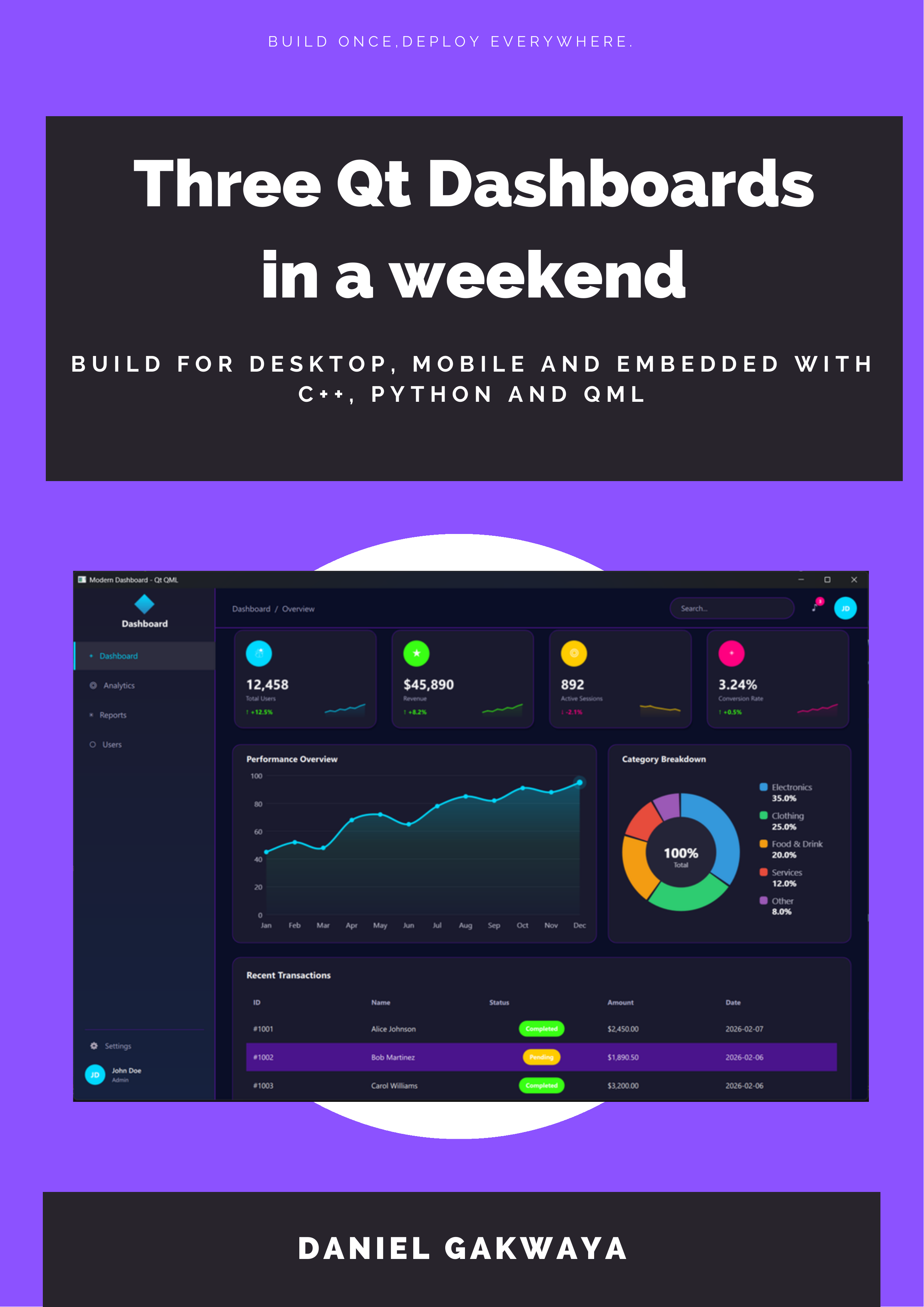
Build 3 Professional Dashboards in One Weekend

Build the same stunning dashboard three ways — C++, Python & QML — and discover which Qt technology fits YOUR projects.

C++
PySide6
QML
Same dashboard, 3 technologies — compare side-by-side with real code
6 production-ready themes — Dark, Cyberpunk, Nord, Ocean, Forest & Purple
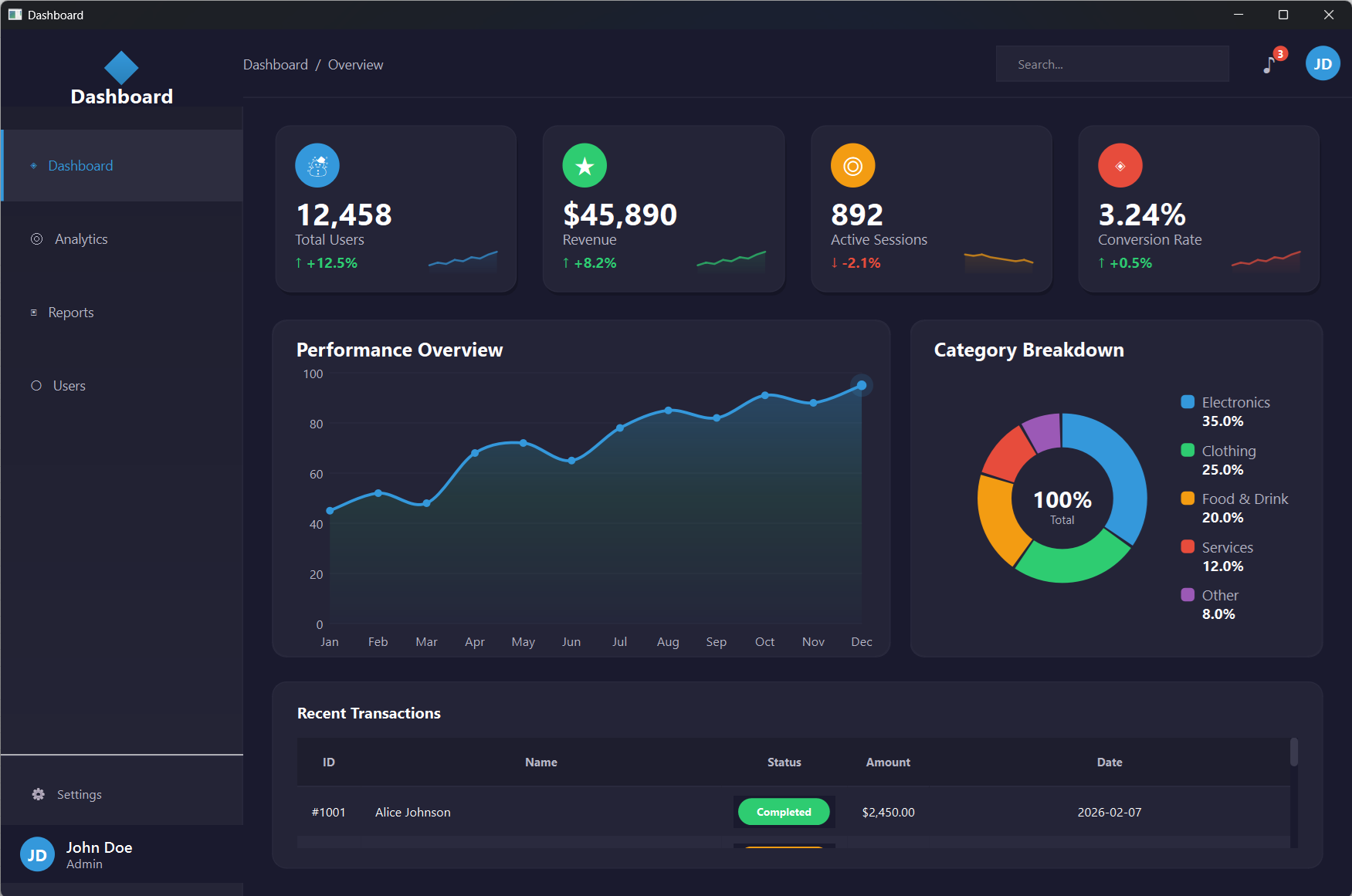
Complete source code — charts, stat cards, sidebar, data tables
Cross-platform — Windows, Mac & Linux. Native performance