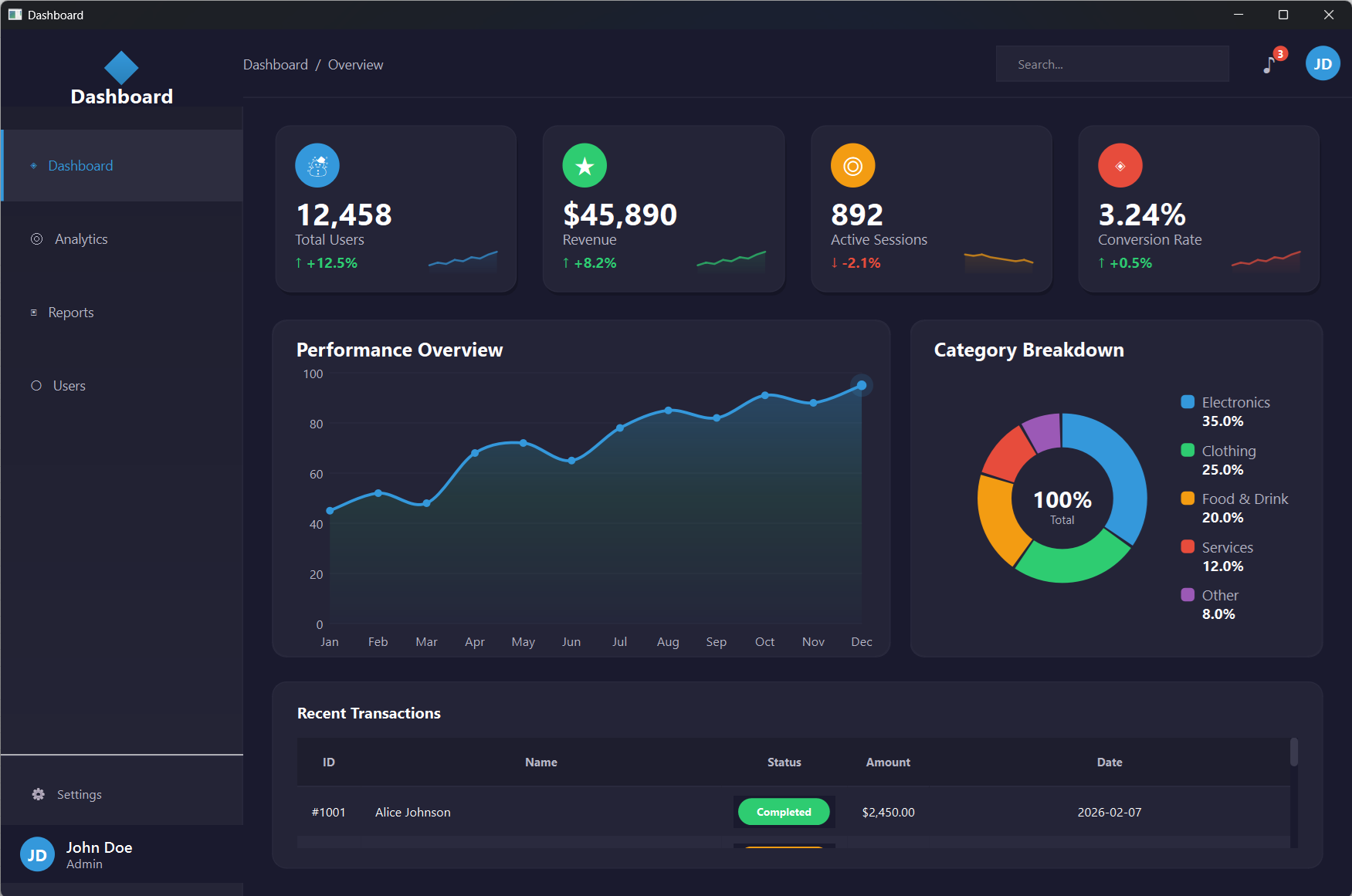
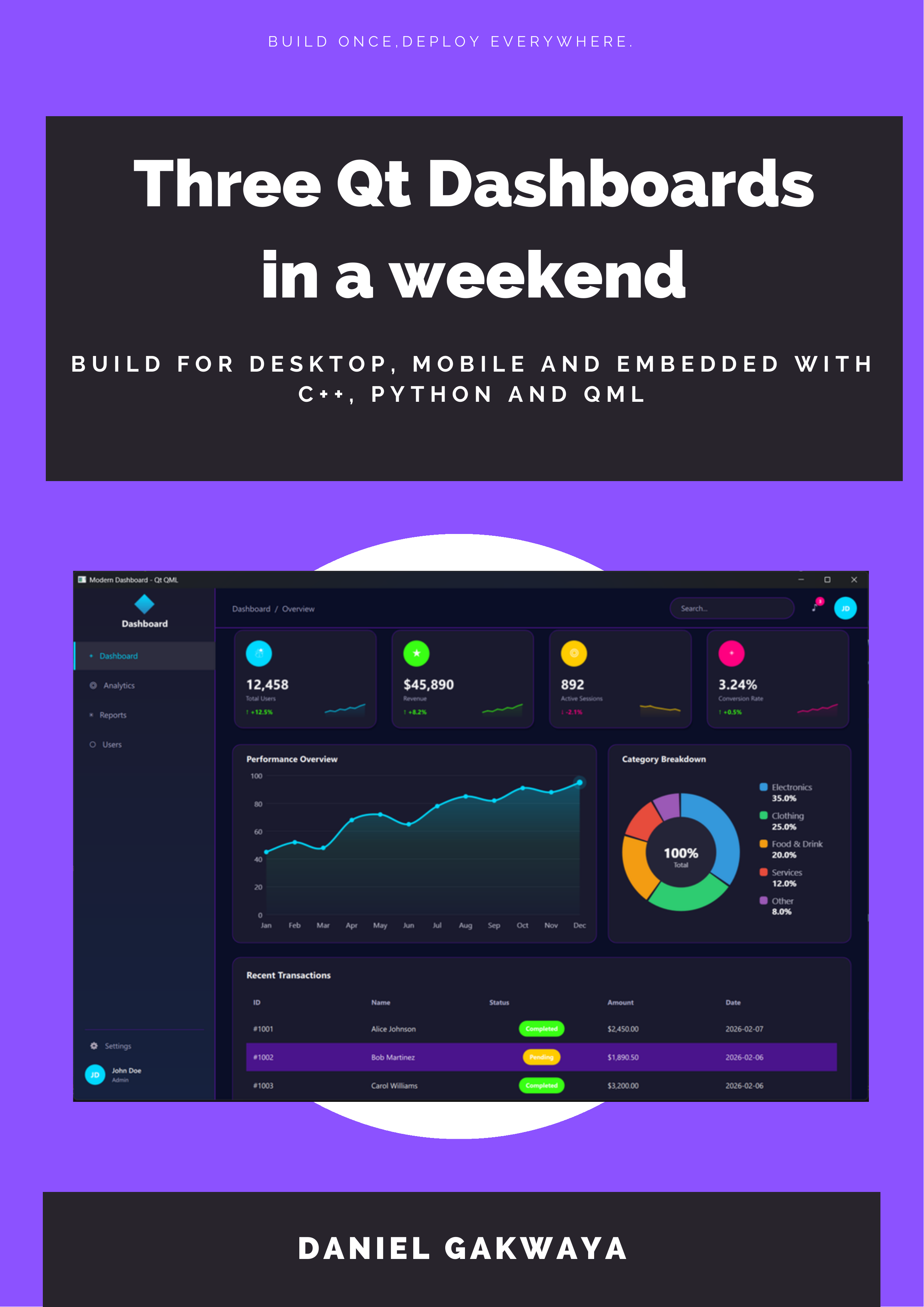
Master modern UI development with Qt QML and Qt Quick. Create fluid, dynamic, and visually stunning user interfaces for desktop, mobile, and embedded applications. Learn declarative programming and advanced animation techniques.
Get a sneak peek at the stunning UIs you'll create with QML
Create smooth, engaging user experiences
Build interfaces that users love
One codebase, runs everywhere
Learn by building practical Qt applications that you can showcase in your portfolio
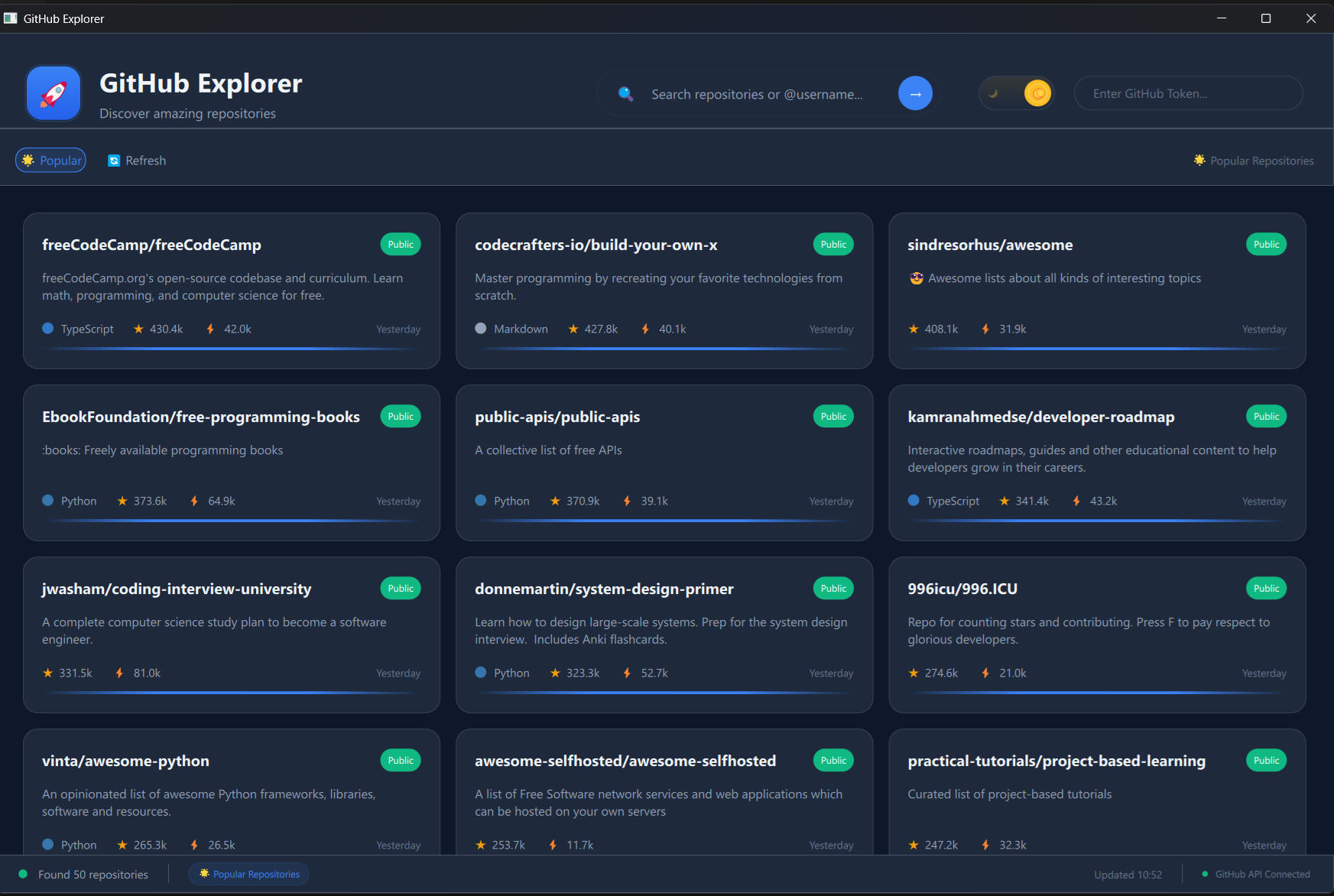
You will use QML to build a sleek GitHub client using the GitHub API, featuring dynamic lists, C++ backend integration, theme switching, smooth animations, responsive design and much more.
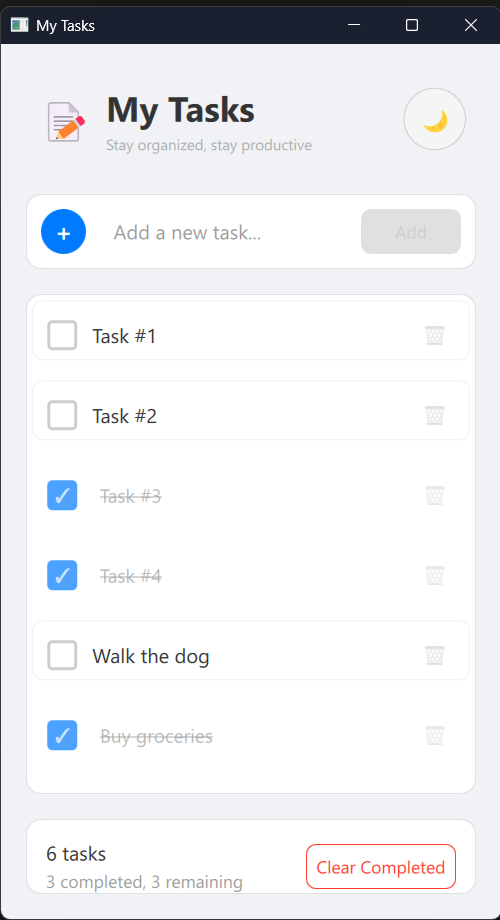
You will create a modern todo list application with QML, featuring adding and managing tasks, smooth transitions, and a clean user interface.
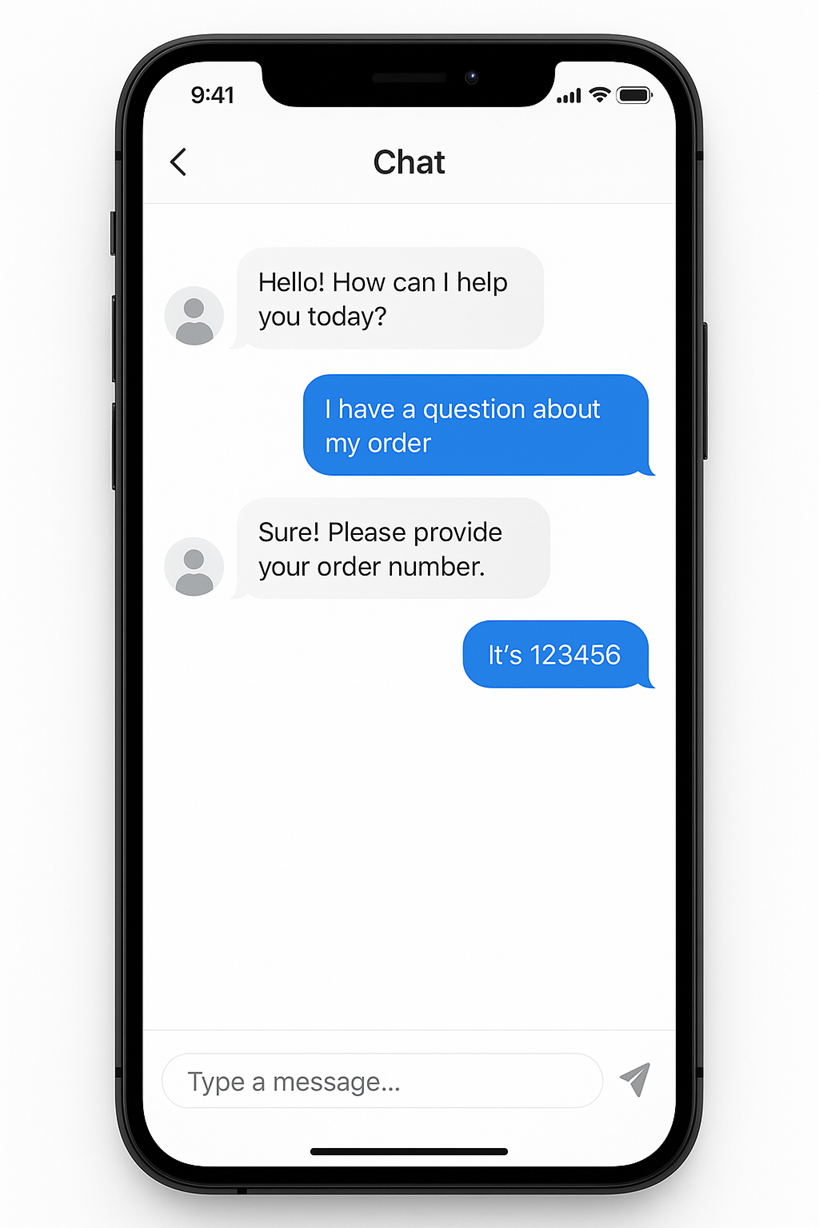
Note: This project is under construction. You will use QML and C++ to develop a modern chat application UI with QML, featuring message bubbles, smooth scrolling, and dynamic layouts.
25 Chapters, 240+ Lessons — Master Modern UI Development with Qt Quick and QML
Welcome to Qt QML development! Get oriented with the course structure, download all resources and source code, and set up your development environment on Windows or Linux. Learn to run QML applications and understand project structure from day one.
Master the fundamentals of QML declarative syntax. Learn about data types, property binding, the Qt global object, and property handlers — the building blocks of every QML application you'll create.
Get hands-on with QML's essential visual elements. Work with Rectangle, Item, Text, and Image components, and learn how to efficiently manage resources using qt_add_resource for production-ready applications.
Build reusable QML components and organize them into modules. Learn both modern QML module systems and legacy approaches to create maintainable, modular application architectures.
Master QML's powerful communication mechanism. Handle signals, connect to methods, pass parameters, and build reactive interfaces where components communicate seamlessly across your application.
Capture and handle user input with QML. Master text input fields, text editing, mouse interactions, keyboard handling, focus management with FocusScope, and key navigation for accessible interfaces.
Integrate JavaScript into your QML applications. Learn functions, scope, direct and indirect imports, Qt.include, JavaScript modules, and QML module utilities to add powerful logic to your declarative UIs.
Master QML layout systems. Use anchors for relative positioning, work with margins and offsets, position items with positioners, create responsive layouts with Layout managers, and control flow arrangements.
Get hands-on with Qt Quick Controls — the modern toolkit for QML interfaces. Master 20+ controls including Button, ComboBox, Slider, TabBar, Drawer, and ApplicationWindow to build polished, professional applications.
Build professional dialog windows for QML applications. Master ColorDialog, FileDialog, FolderDialog, FontDialog, MessageDialog, and create custom dialogs with proper layouts and user interactions.
Master QML's powerful Model-View architecture. Work with ListView, GridView, PathView, and TableView. Build inline and dynamic models, use Repeater, integrate XML data, and add headers, sections, and highlights.
Bring your QML interfaces to life. Master transforms, animation targets, Behavior, SmoothedAnimation, SpringAnimation, ColorAnimation, easing curves, grouped animations, states, and transitions. Build real animations like a pendulum swing.
Connect your QML applications to the internet. Make HTTP requests using XmlHttpRequest and build a complete REST API client to communicate with web services directly from QML.
Persist data in your QML applications. Use Qt Settings for automatic and custom preferences, save application states, and integrate SQLite databases for robust local data storage.
Bridge the gap between C++ and QML. Master context properties, connections, signals from C++, QPROPERTY mapping, context objects, JavaScript calls from C++, instantiable objects and modules, and singleton objects.
Master data type conversions between C++ and QML. Handle basic data types, time and datetime objects, sequence types to JavaScript arrays, VariantList, and VariantMap for flexible data exchange.
Build a production-ready REST client for QML applications. Create a REST client from scratch, implement a REST factory pattern, and fetch posts from real APIs using modern C++ integration techniques.
Go beyond visual components in QML. Create custom types with enums, object and list properties, inherited types, default properties, grouped properties, attached properties, and property value sources.
Master custom model creation for QML views. Build StringList models, object list models, editable models, work with QProperty, understand Abstract List Model concepts, decouple data from source, and handle model list properties.
Build an advanced version of the REST client incorporating all the patterns and techniques learned throughout the course for production-ready API integration.
Create completely custom visual components in C++. Learn to paint QML items, build a custom bar chart with list properties, and create visual components using the Canvas element for ultimate flexibility.
Master singleton patterns for QML. Work with QJsValue for JavaScript-based singletons and QObject-based singletons to create globally accessible objects with shared state across your application.
Deep dive into QML's internal architecture. Use QQmlEngine to load QML, parse custom QML types, work with visual types through QQuickView, master QQmlApplicationEngine, invoke QML methods, and catch QML signals from C++.
Learn to build responsive QML applications using multithreading. Handle long-running operations without freezing the UI, work with Qt's threading primitives, and implement thread-safe communication between C++ workers and QML.
Ship your QML application to real users. Master deployment on Windows, Linux, and Mac — bundle Qt dependencies, create installers, and ensure your app runs cleanly on any machine.
Create stunning, modern user interfaces with QML
Build fluid animations and interactive transitions
Design touch-friendly interfaces for any platform
Integrate QML frontends with C++ backends
Develop high-performance, scalable applications
Master declarative programming patterns
Freelance Developer
"Best Qt courses I've found. Daniel's teaching style is clear and the projects are actually useful in real work."
Software Engineer at Microsoft
"Daniel's courses got me from zero Qt knowledge to building production apps in 6 weeks. The project-based approach made everything click."
Python Developer at Tesla
"The PySide6 course transformed how I think about GUI development. Now I can build desktop apps that actually look professional."
Senior Software Architect
"After 15 years of development, this is the most practical programming course I've taken. The real-world projects make all the difference."
Join 900 successful students
Join 4,000+ Successful StudentsQML represents the future of user interface development. This course takes you from QML basics to advanced professional patterns, teaching you to create interfaces that are not just functional, but beautiful, responsive, and engaging.
Join thousands of successful developers
"QML can seem overwhelming at first. The declarative approach is different, and the documentation can be scattered. I've spent years mastering QML for production applications, and I want to share that knowledge." This course distills years of professional QML development into a clear learning path:
Perfect for developers who want to create modern, engaging user interfaces. Whether you're building mobile apps, desktop applications, or embedded interfaces, QML gives you the tools to create something truly special.
Everything you need to master Qt QML development
Become a QML expert and create user interfaces that set your applications apart. From smooth animations to complex interactions, you'll master the skills that make applications feel professional and engaging.
Master the future of user interface development with declarative programming
Why This Matters: Traditional GUI frameworks require complex imperative code. React Native is mobile-only, web frameworks need browsers. QML works everywhere.
Why This Matters: Web technologies have performance limits, native development means separate codebases. QML gives you performance with portability.
Why This Matters: QML is specialized - generic UI forums don't understand its patterns, mobile dev communities focus on platform-specific solutions.
Why This Matters: Platform-specific skills become obsolete, web frameworks change constantly. QML skills are future-proof and cross-platform.
30-Day Money-Back Guarantee
Level up with our comprehensive course library. Get this course individually, or unlock our complete collection including C++, Qt Widgets, QML, 3D graphics, embedded systems, and HMI development for automotive and industrial applications.
One-time purchase for this course only
Get access to all our courses
Access all courses at the best price
Learn with confidence
If you're not completely satisfied with your progress after 30 days, get a full refund. No questions asked.
Everything you need to know before getting started
Get personalized help from instructor Daniel Gakwaya and our community
Ready to start your journey?
Try Risk-Free for 30 Days