Master professional desktop application development using Qt Widgets and modern C++. Build cross-platform applications that run seamlessly on Windows, macOS, and Linux with native performance and polished user interfaces.
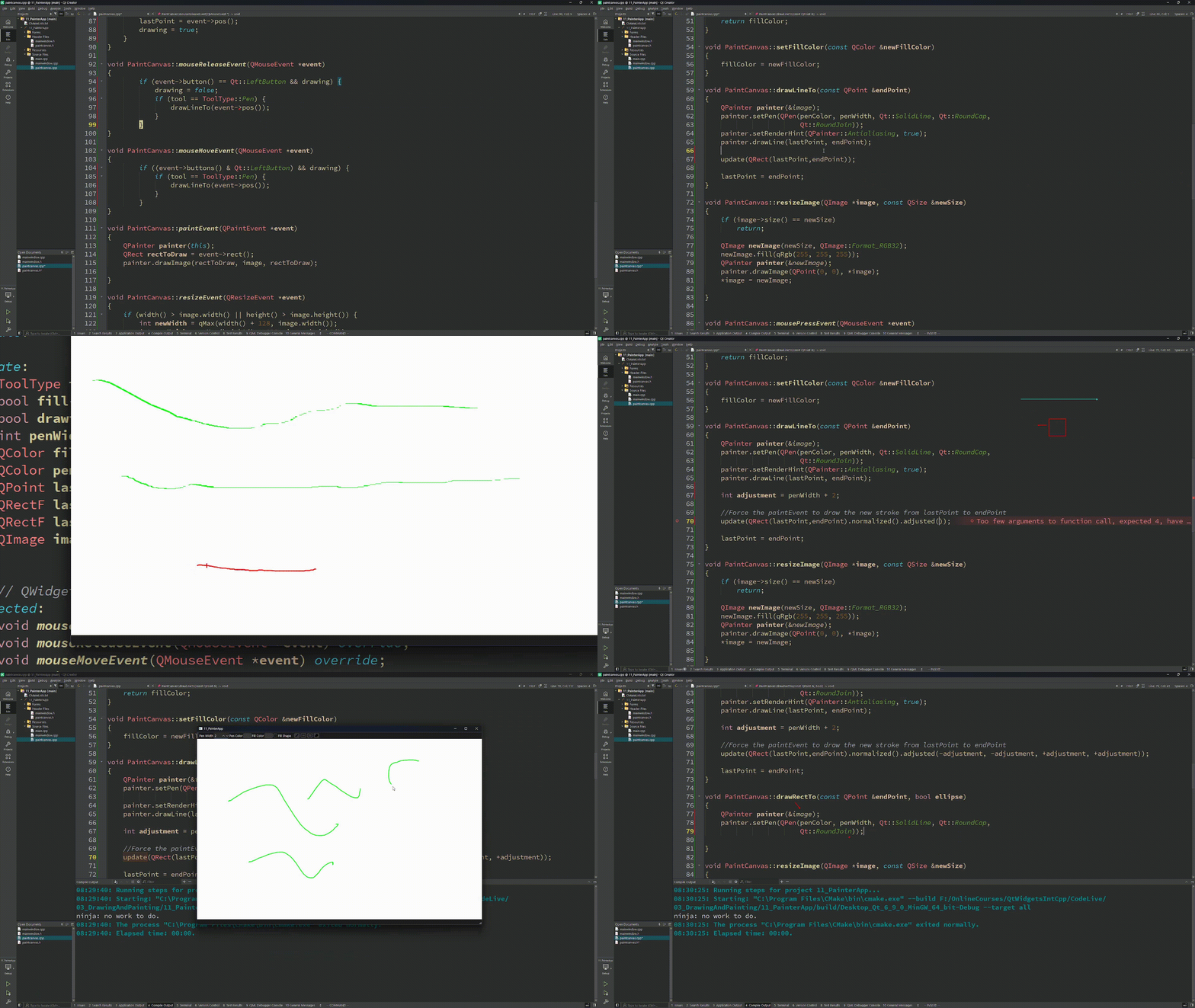
Get a sneak peek at what you'll master in this comprehensive C++ course
Watch modern C++ development in action
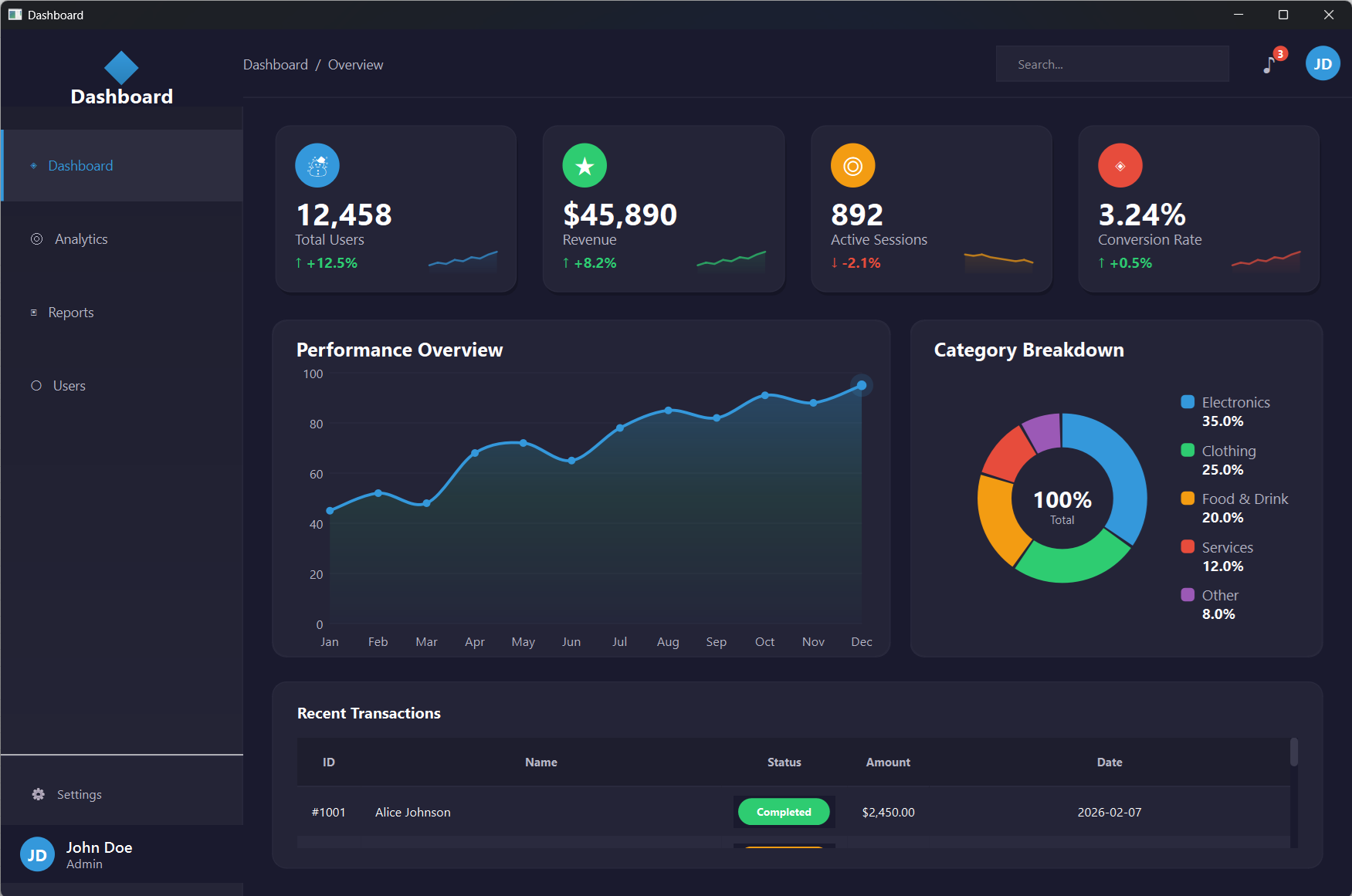
Build complete cross-platform applications
Learn from 10+ years of Qt experience
Learn by building practical Qt applications that you can showcase in your portfolio
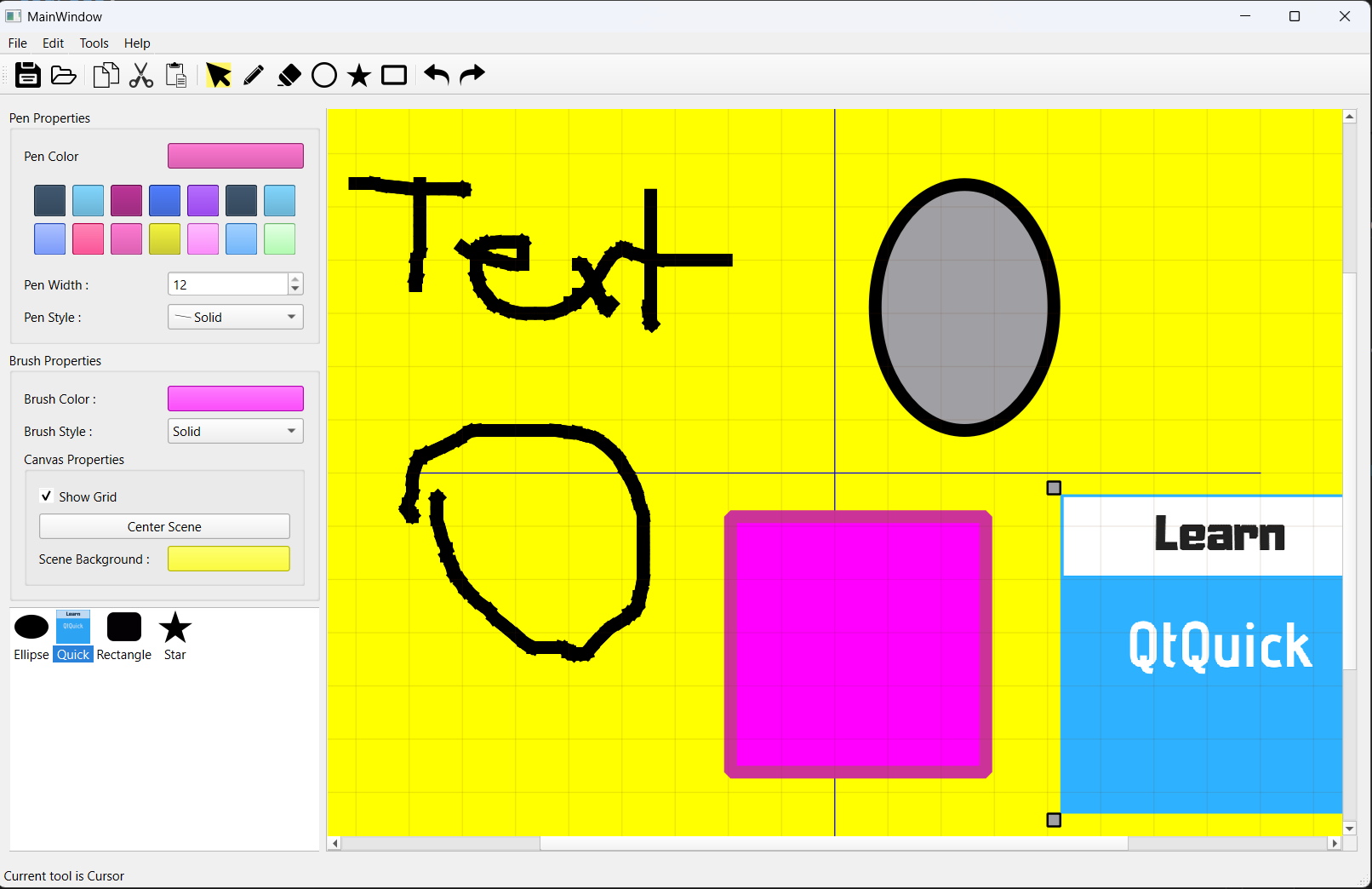
Build a professional painting application with selectable items, layers, and custom drawing tools using Qt Widgets and C++.
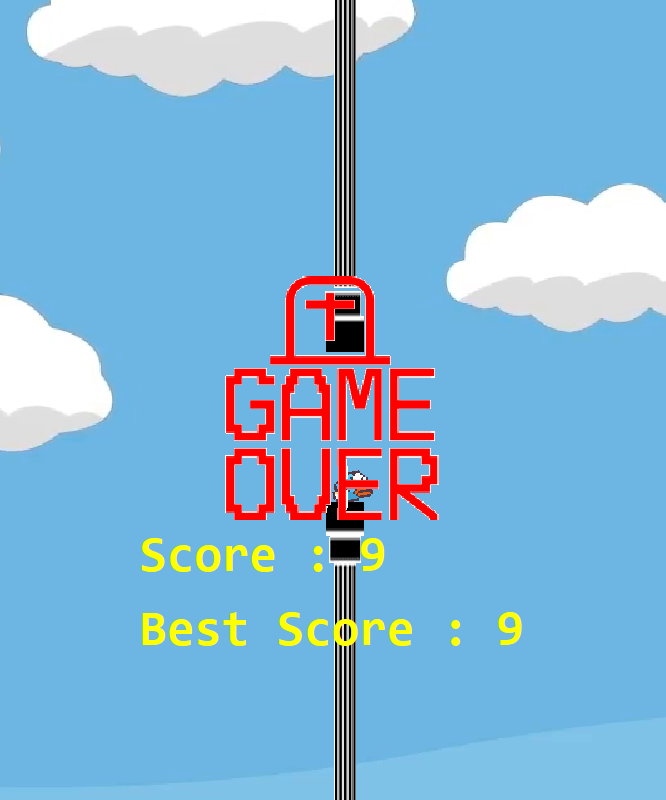
Create a Flappy Bird clone using Qt Widgets and C++, featuring smooth animations, collision detection, and score tracking.
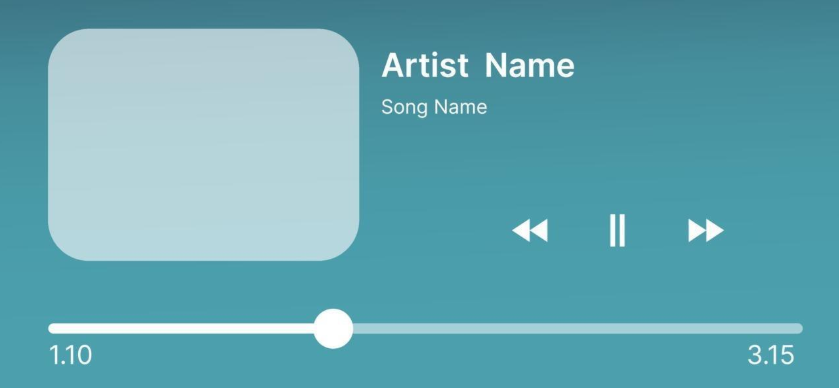
This project is in progress.You will develop a cross-platform media player with playlist management, audio controls, and custom UI components.
23 Chapters, 270+ Lessons — Master Every Building Block of Professional Desktop Development
See the impressive applications you'll build by the end of this course. Get oriented with the course structure, download all resources and source code, and get excited about the journey ahead.
Set up your complete Qt development environment on Windows or Linux — step by step, no guesswork. You'll install Qt Creator, configure your compiler, and verify everything works with your first build.
Master the C++ fundamentals you need for Qt development. From data types and control flow to classes and the build process — you'll write real code from day one and build your first GUI application with a hands-on Guess My Number game.
Understand how memory works in C++ and Qt. Learn the difference between heap and stack, use smart pointers to prevent memory leaks, and master Qt's parent-child ownership model that makes memory management almost automatic.
Master Qt's powerful communication mechanism. Connect widgets, respond to user actions, and build reactive interfaces using signals, slots, and lambdas. Practice with real projects including a Calory Counter app.
Get hands-on with every essential Qt widget. From buttons and text fields to layouts and tab systems — you'll learn how to combine 18+ widget types into polished, professional user interfaces with proper sizing and spacing.
Build professional dialog windows that your users expect. Master file pickers, font selectors, color choosers, input dialogs, and custom dialog boxes with proper button layouts and return values.
Embed images, icons, and files directly into your application binary. Learn Qt's resource system so your apps ship as a single executable with no missing assets — ever.
Transform plain widgets into stunning interfaces. Master QPalette for system-level theming and Qt Stylesheets (CSS for Qt) for pixel-perfect visual customization — inline and from external files.
Save and restore user preferences across sessions. Learn QSettings to persist window positions, theme choices, and any custom settings — so your app remembers how users like it.
Read, write, and manage files and directories with Qt's cross-platform APIs. Handle text files, binary data, and directory operations that work identically on Windows, Linux, and Mac.
Connect your desktop apps to the internet. Make HTTP requests, consume REST APIs, parse JSON responses, and build a complete HTTP client that communicates with web services.
Take full control of user interaction. Understand Qt's event system from top to bottom — handle mouse clicks, key presses, custom events, event filters, and propagation chains like a pro.
Go beyond standard widgets — create your own. Compose widgets, modify existing ones, and build completely custom controls like a Water Level Monitor with real-time visual indicators.
Unlock the full power of custom 2D graphics. Master coordinate systems, draw shapes with precision, apply gradients and transforms, and build two complete painting applications from scratch — including a fully featured PainterApp.
Add professional drag-and-drop interactions to your apps. Transfer data between widgets, handle dropped images, work with the system clipboard, and integrate it all into your PainterApp project.
Master Qt's most powerful data display framework. Build custom models, editable views, delegates with star ratings, tree structures, and a complete Expense Tracker with SQLite — the skills that separate juniors from seniors.
Build complex interactive scenes with thousands of items. Master the Graphics View Framework to create scene editors, handle selections and transforms, build resizable items, and develop two complete projects — a Flappy Bird game and an advanced PainterApp.
Transform your PainterApp from a prototype into a polished, production-ready application. Add pen/brush property panels, a color picker, custom tool cursors, copy/cut/paste with data serialization, document save/load, and full undo/redo — exactly how professional apps are built.
Make your app speak every language. Learn Qt's full internationalization pipeline — prepare strings for translation, use Qt Linguist, generate translation files, and let users switch languages at runtime with their preference saved.
Give your application a professional identity. Set up application icons that display correctly in the taskbar, window title, and desktop — the finishing touch that makes your app look production-ready.
Ship your application to real users. Master deployment on Windows (windeployqt + Qt Installer Framework), Linux (linuxdeployqt + installer), and Mac — so your app installs cleanly on any machine without requiring Qt to be installed.
You've built a rock-solid foundation. Now discover what to learn next, which advanced Qt topics to explore, and how to continue growing as a professional Qt developer.
Build cross-platform desktop apps that run on Windows, Mac, and Linux
Create professional UIs with Qt Designer and custom widgets
Handle databases, file I/O, and network communications
Deploy applications with proper installers and auto-updaters
Confidently apply for Qt developer positions
Debug and optimize Qt applications for production
Software Engineer at Microsoft
"Daniel's courses got me from zero Qt knowledge to building production apps in 6 weeks. The project-based approach made everything click."
Senior Software Architect
"After 15 years of development, this is the most practical programming course I've taken. The real-world projects make all the difference."
Freelance Developer
"Best Qt courses I've found. Daniel's teaching style is clear and the projects are actually useful in real work."
Python Developer at Tesla
"The PySide6 course transformed how I think about GUI development. Now I can build desktop apps that actually look professional."
Join 1,500 successful students
Join 4,000+ Successful StudentsThis course takes you from absolute beginner to building complete, polished desktop applications—teaching you the foundations of Qt Widgets, modern C++, and production patterns along the way. Instead of struggling with outdated tutorials, you'll learn how to build professional, responsive, and production-ready applications that run seamlessly across Windows, macOS, and Linux.
Join thousands of successful developers
"When I first learned Qt development, I had to scrape together tutorials, documentation, and forum posts. It was messy, overwhelming, and frustrating. I wished for a single resource that explained everything clearly." After 10+ years of professional Qt development and teaching thousands of students worldwide, Daniel Gakwaya has created the course he wished he had starting out:
This course is written for anyone who wants to master modern cross-platform desktop development with Qt. Beginners with no prior Qt or C++ experience will find a clear path into the framework. Web developers who want to deliver native desktop performance will discover a more efficient workflow. Mobile developers will learn how to create professional desktop applications. And students or researchers will gain practical experience that goes far beyond theoretical knowledge.
Everything you need to master Qt Widgets development
By the time you finish, you'll not only understand Qt Widgets—you'll have built production-quality applications and developed the confidence to create your own projects from scratch. You'll know how to work with Qt's documentation, how to apply modern best practices, and how to structure your code so that it scales with your ambitions. You'll also get lifetime access to updates as Qt evolves, plus access to an active Discord community of over 4,000 Qt developers where you can get support, share projects, and connect with others working in the same space.
See how this course transforms beginners into professional desktop developers
Why This Matters: University courses focus on console apps, YouTube tutorials show disconnected examples. You build complete applications that demonstrate real skills.
Why This Matters: Most courses teach outdated Qt 5 or legacy C++ patterns. Learn the tools and techniques used in professional development today.
Why This Matters: StackOverflow has generic answers, university TAs have limited expertise. Get help from people who build Qt applications professionally.
Why This Matters: Bootcamps cost $10,000+ with no guarantees, books become outdated. Your investment stays valuable and current.
30-Day Money-Back Guarantee
Level up with our comprehensive course library. Get this course individually, or unlock our complete collection including C++, Qt Widgets, QML, 3D graphics, embedded systems, and HMI development for automotive and industrial applications.
One-time purchase for this course only
Get access to all our courses
Access all courses at the best price
Learn with confidence
If you're not completely satisfied with your progress after 30 days, get a full refund. No questions asked.
Everything you need to know before getting started
Get personalized help from instructor Daniel Gakwaya and our community
Ready to start your journey?
Try Risk-Free for 30 Days