FREE — 63 Pages of Qt Mastery + Full Source Code

Build 3 Professional Dashboards in One Weekend

Stop choosing between Qt technologies blind. Build the same stunning dashboard three ways — C++, Python & QML — and discover which one fits YOUR projects.

Qt Widgets + C++
PySide6 + Python
Qt Quick / QML
Same dashboard, 3 technologies — Compare C++, Python, and QML side-by-side with real code, not theory
6 production-ready themes — Dark, Cyberpunk, Nord, Ocean, Forest & Purple. Swap in 60 seconds
Complete source code included — Charts, stat cards, sidebar navigation, data tables — all yours to keep and extend
Cross-platform — Windows, Mac & Linux. No Electron. Native performance
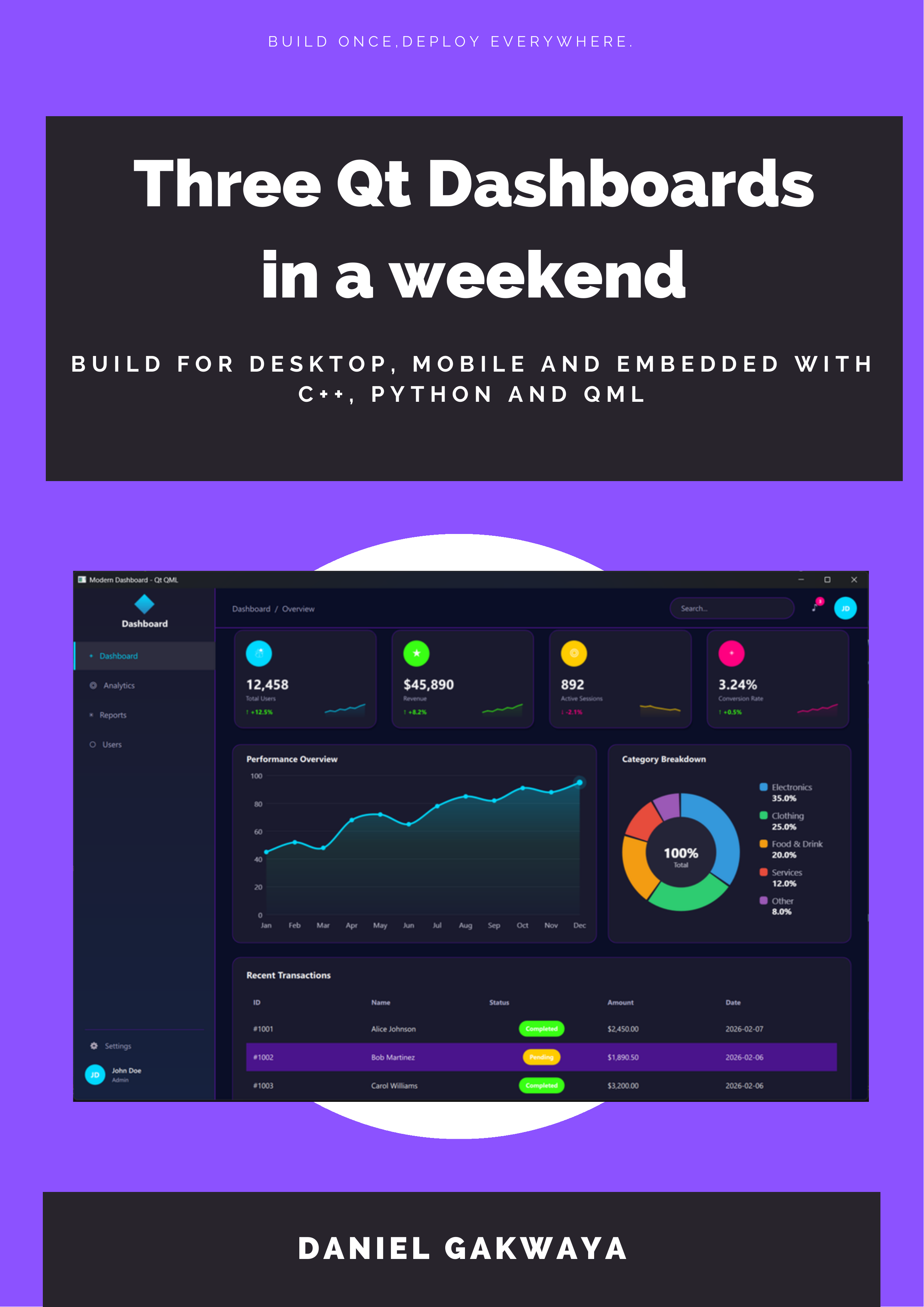
Three Dashboards One Weekend — Free Qt Book
63
PAGES
FREE

Get the Free Book + Source Code

Instant download. Start building this weekend.
No spam. Unsubscribe anytime. Join 4,000+ Qt developers.

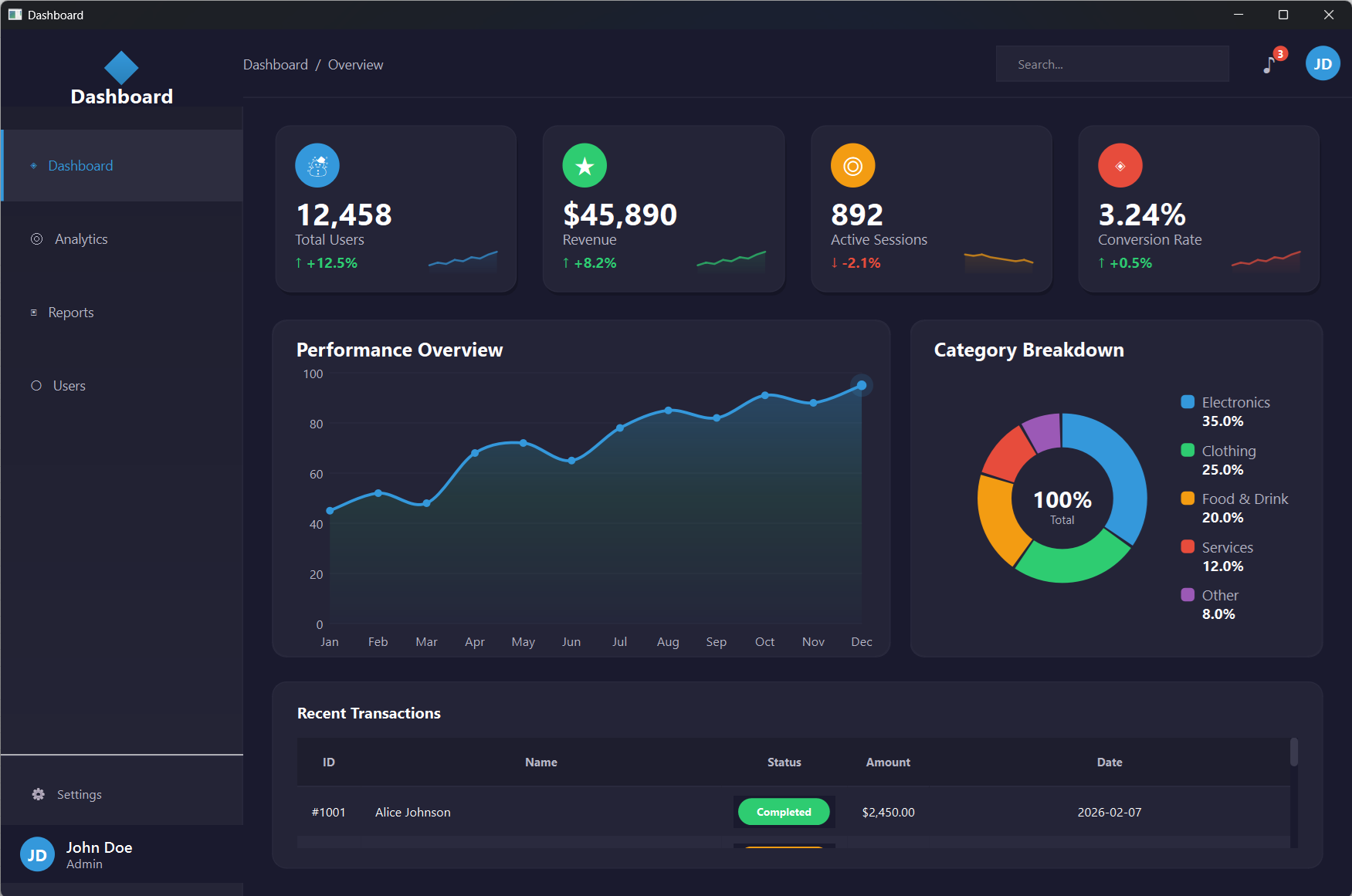
One Dashboard. Three Technologies.

The same professional dashboard built with Qt Widgets C++, PySide6, and QML. Run all three. Compare the code. Pick your favorite.

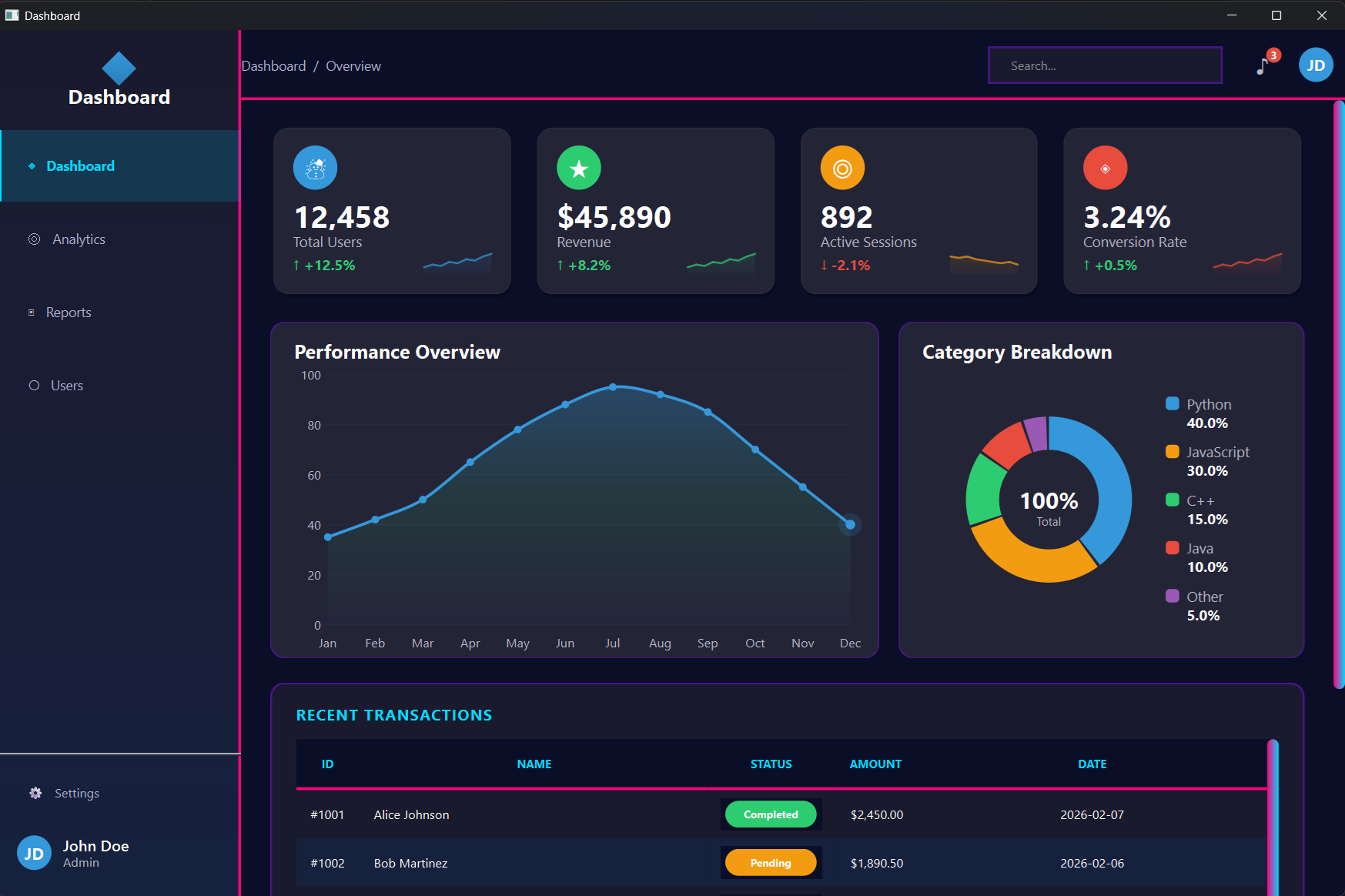
Qt Widgets + C++
Qt Widgets C++ Dashboard

CMake, QPainter, QSS stylesheets. Maximum control & native performance.

PySide6 + Python
PySide6 Python Dashboard

Zero compilation. pip install PySide6 and run. Same Qt API, instant feedback loop.

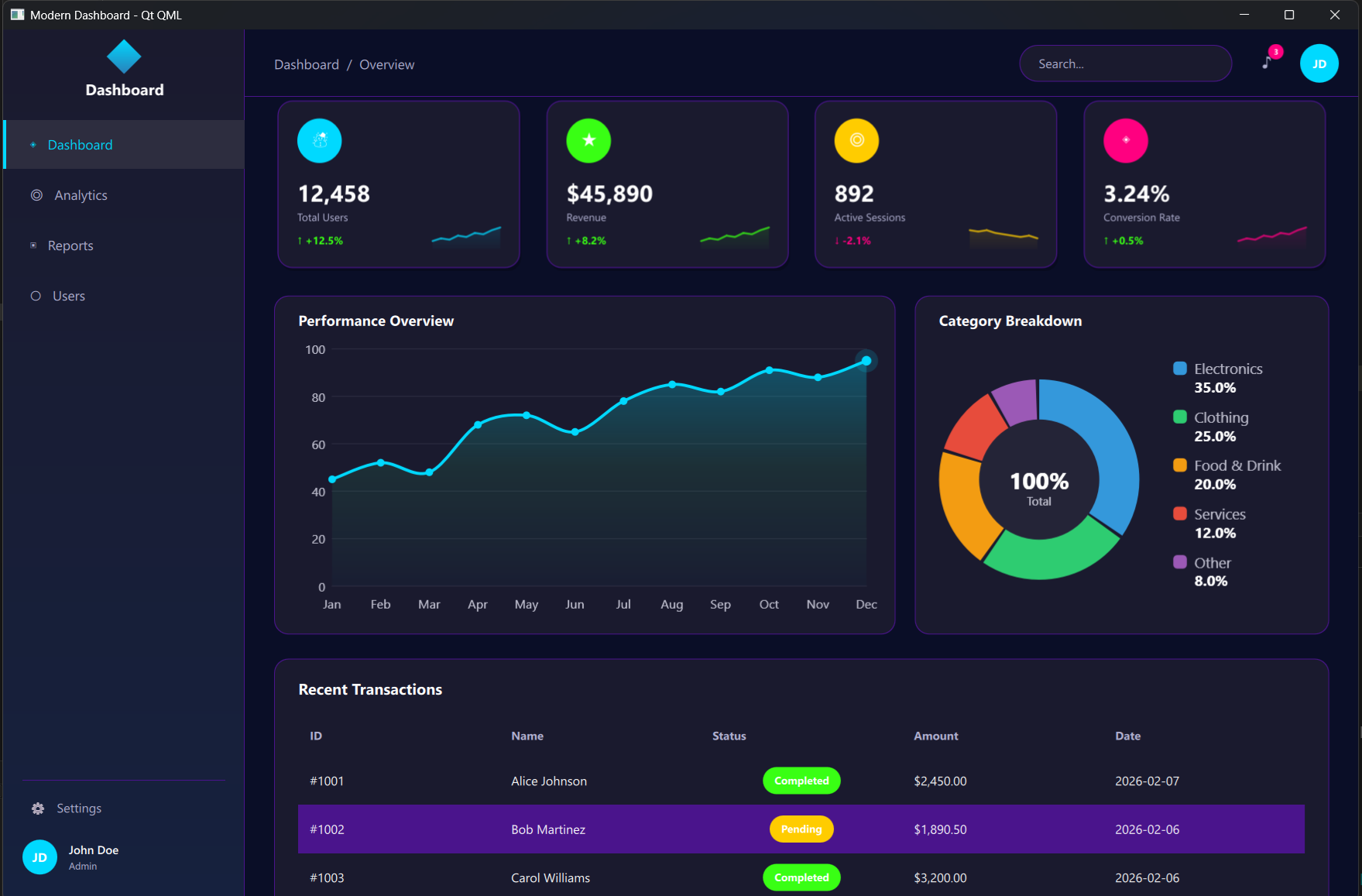
Qt Quick / QML
QML Dashboard

Declarative UI. Property bindings, Theme singletons, and C++ integration where needed.

63 Pages of Hands-On Qt Development

Not a reference manual. A weekend project. Open the book, open your IDE, and build along.

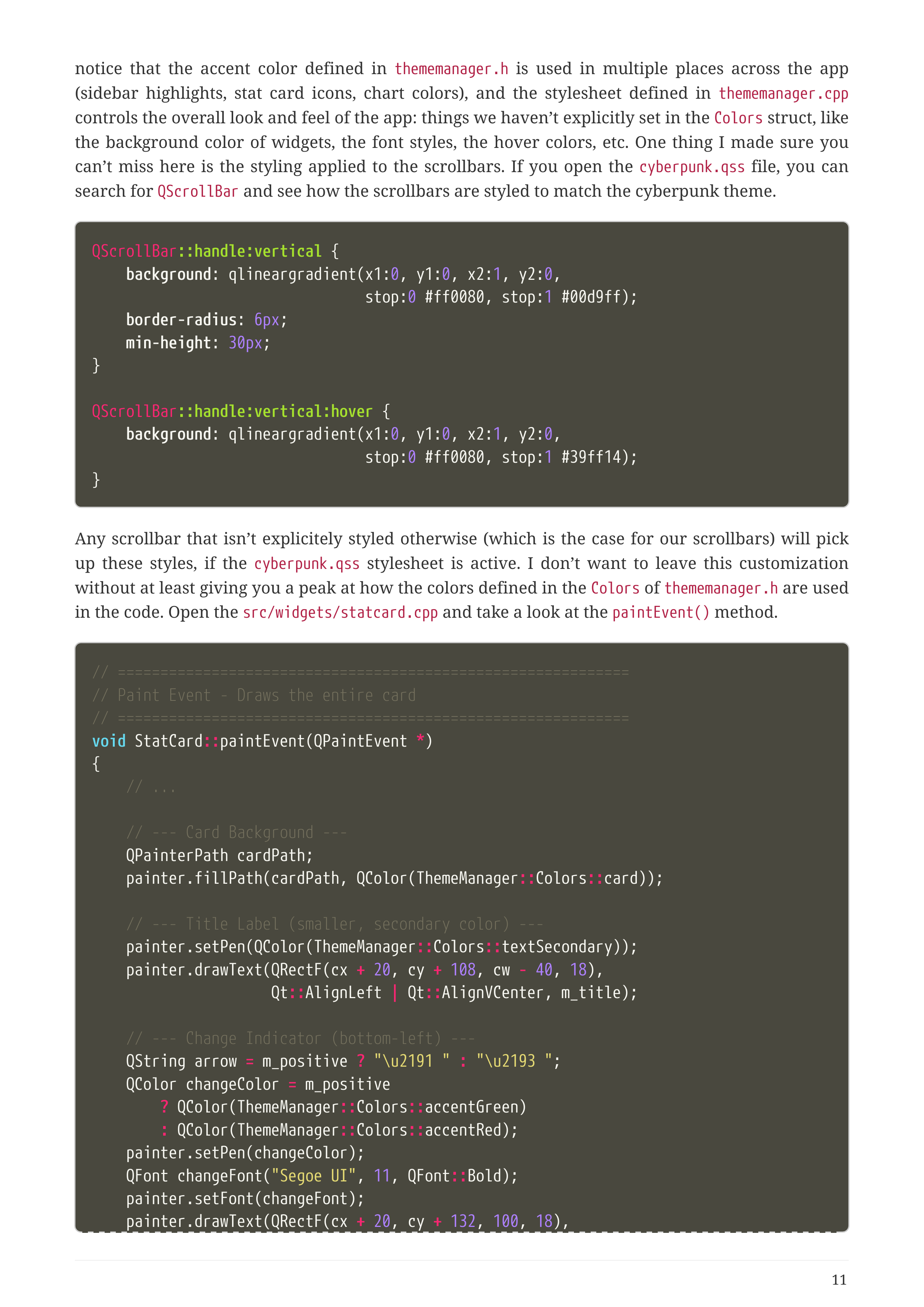
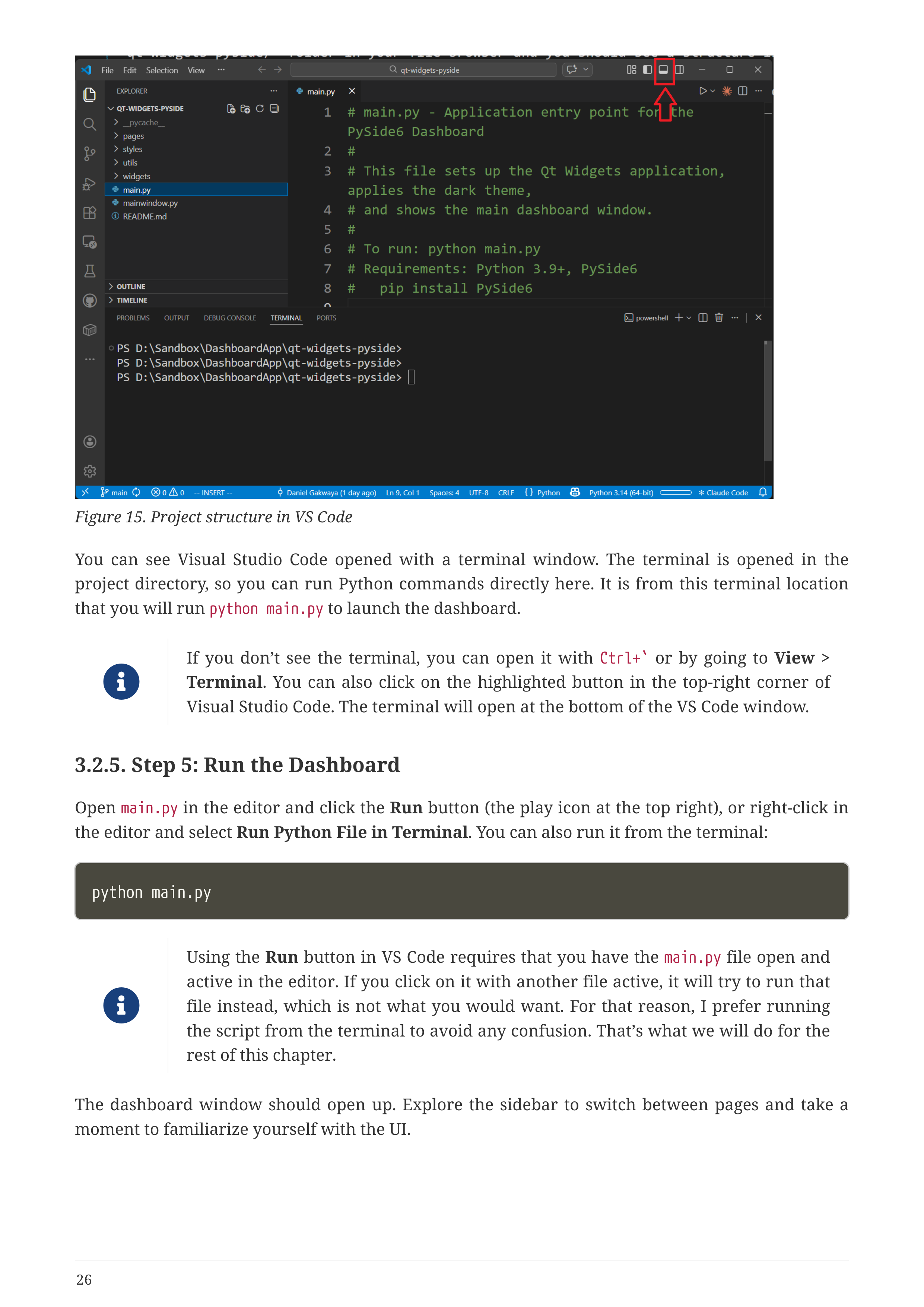
Book Page - Stat Cards Customization
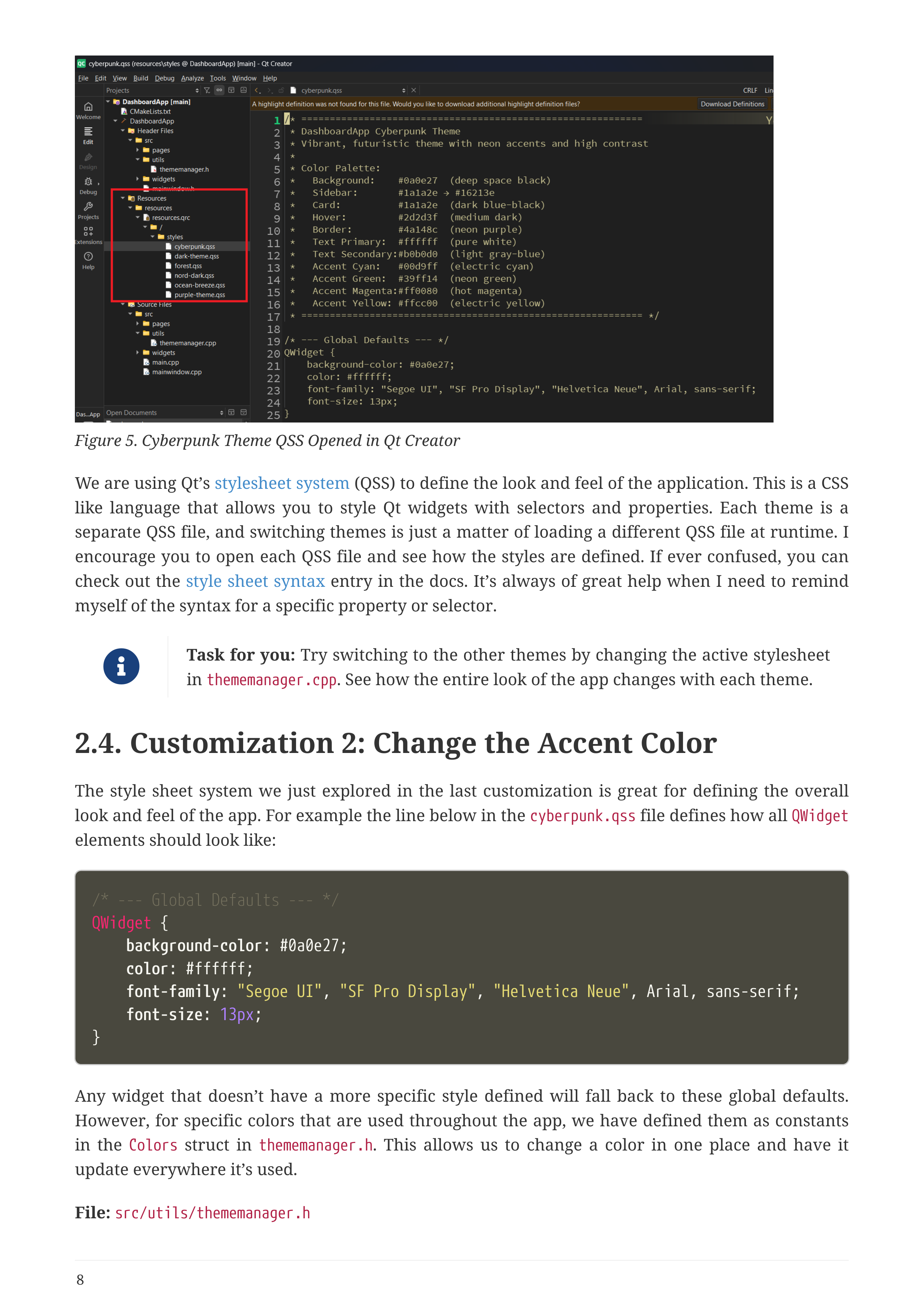
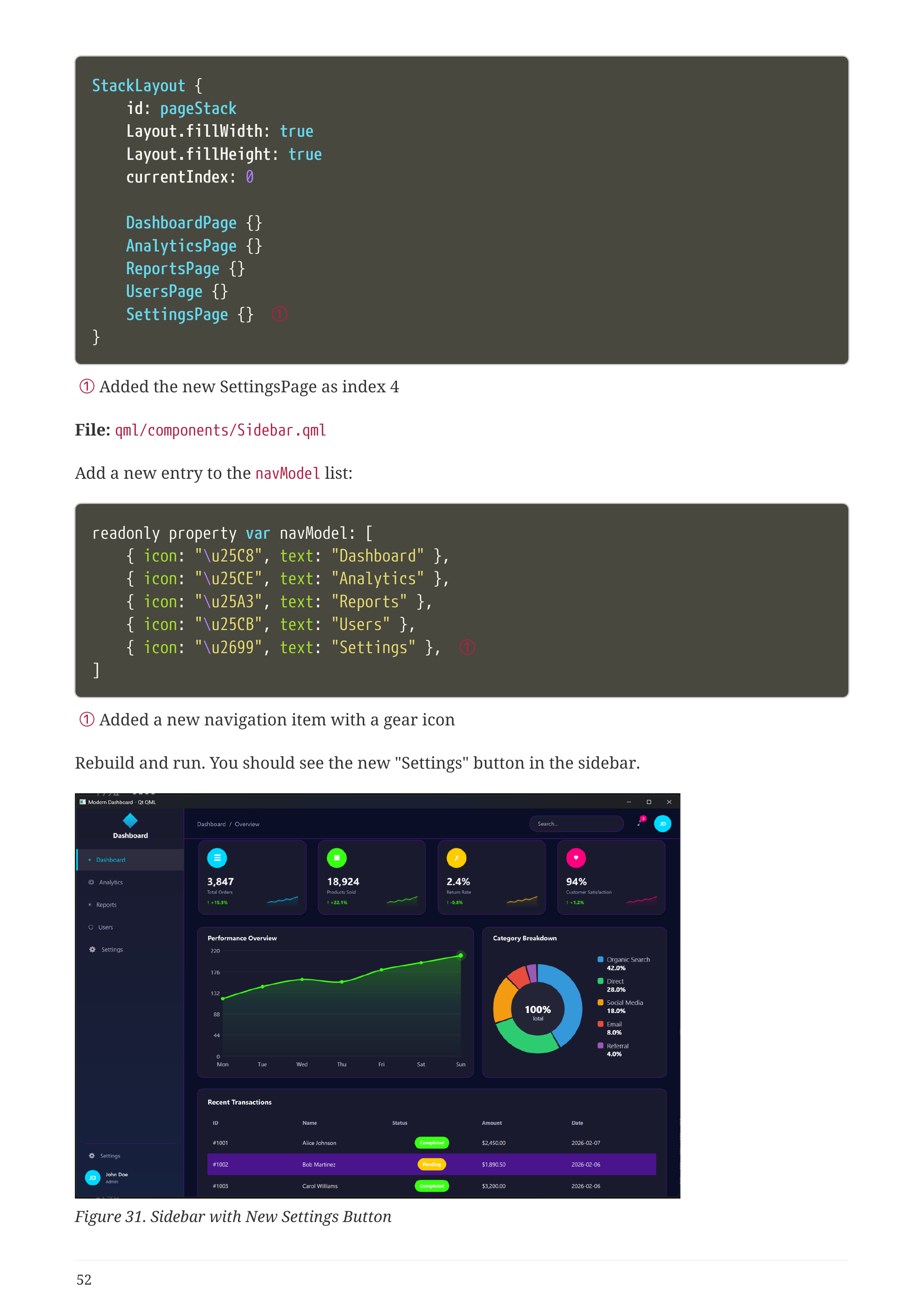
Book Page - New Page Tutorial
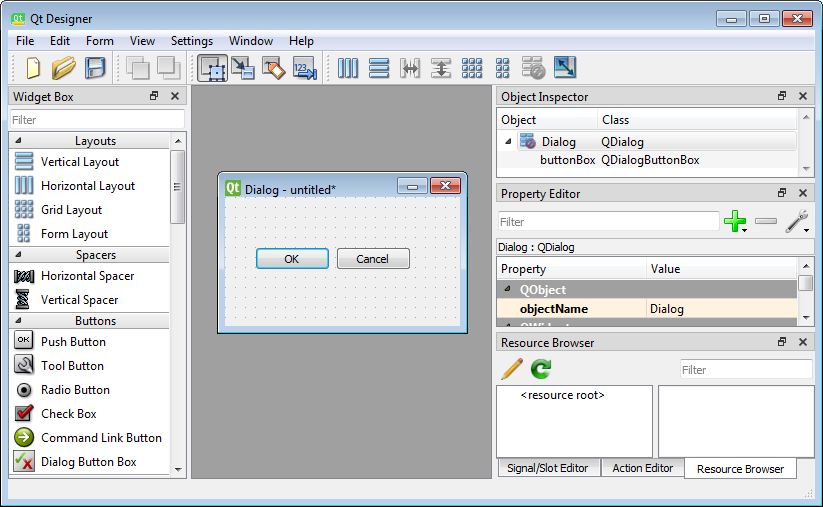
Book Page - PySide6 Dashboard
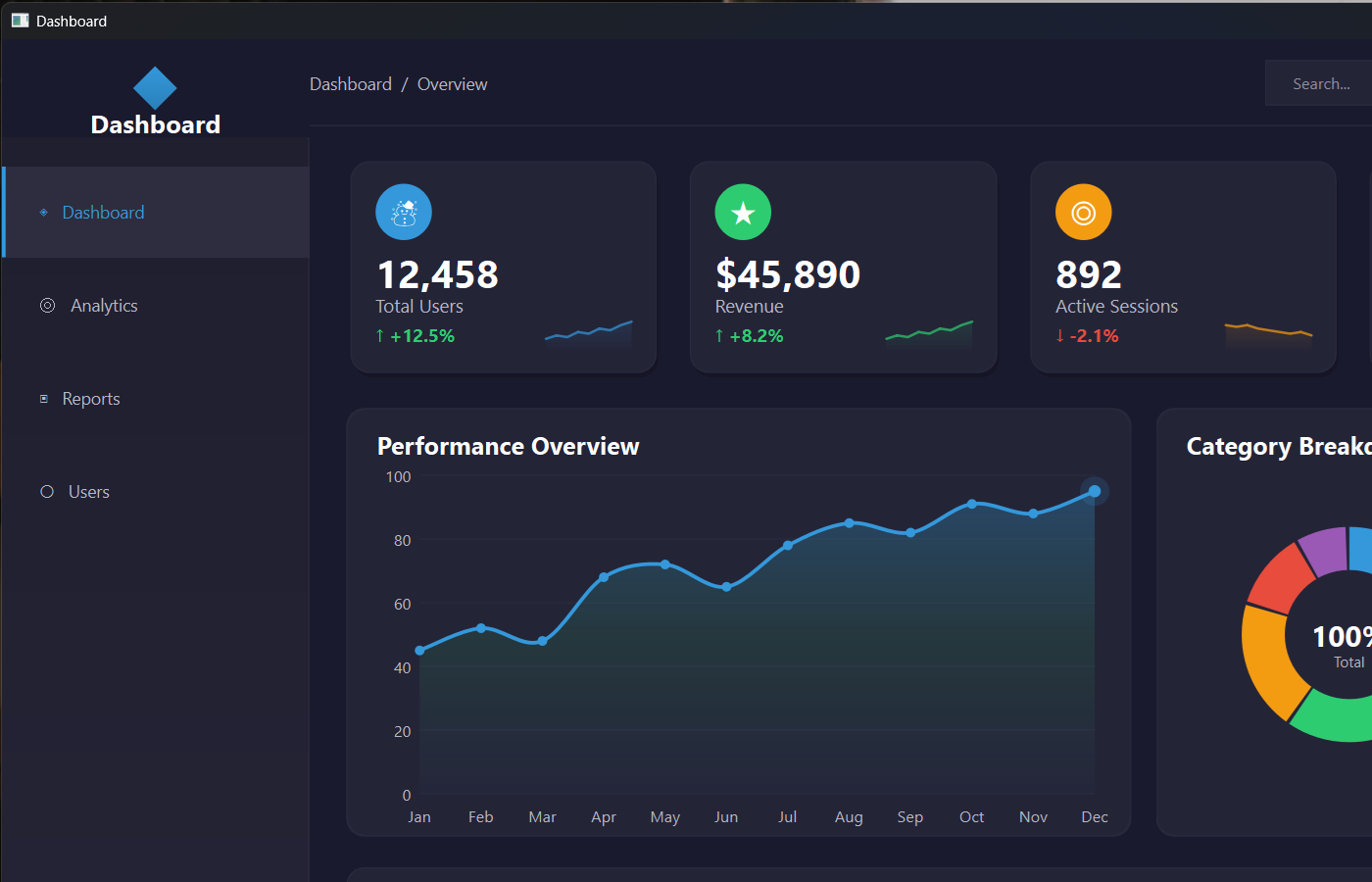
Book Page - Technology Comparison

What's Inside

1
Introduction & Setup
What you'll build, how the book works, installing Qt
2
Qt Widgets + C++
CMake, QPainter custom widgets, QSS themes, 5 guided customizations
3
Qt Widgets + PySide6
Same dashboard in Python. Zero compilation, save-and-run workflow
4
Qt Quick / QML
Declarative UI, property bindings, Theme.qml singleton
5
Choosing Your Technology
Side-by-side comparison with concrete data from your own experience

What You Get

63-Page Illustrated PDF
Full-color screenshots, code listings, architecture diagrams
3 Complete Project Folders
C++, Python, and QML — ready to open in Qt Creator / VS Code
6 Professional Themes
Dark, Cyberpunk, Nord, Ocean Breeze, Forest, and Purple
Reusable Components
Stat cards, charts, sidebar, data tables — drop into any project
Cross-Platform Ready
Runs on Windows, macOS, and Linux out of the box

This Is NOT Your Grandfather's Qt

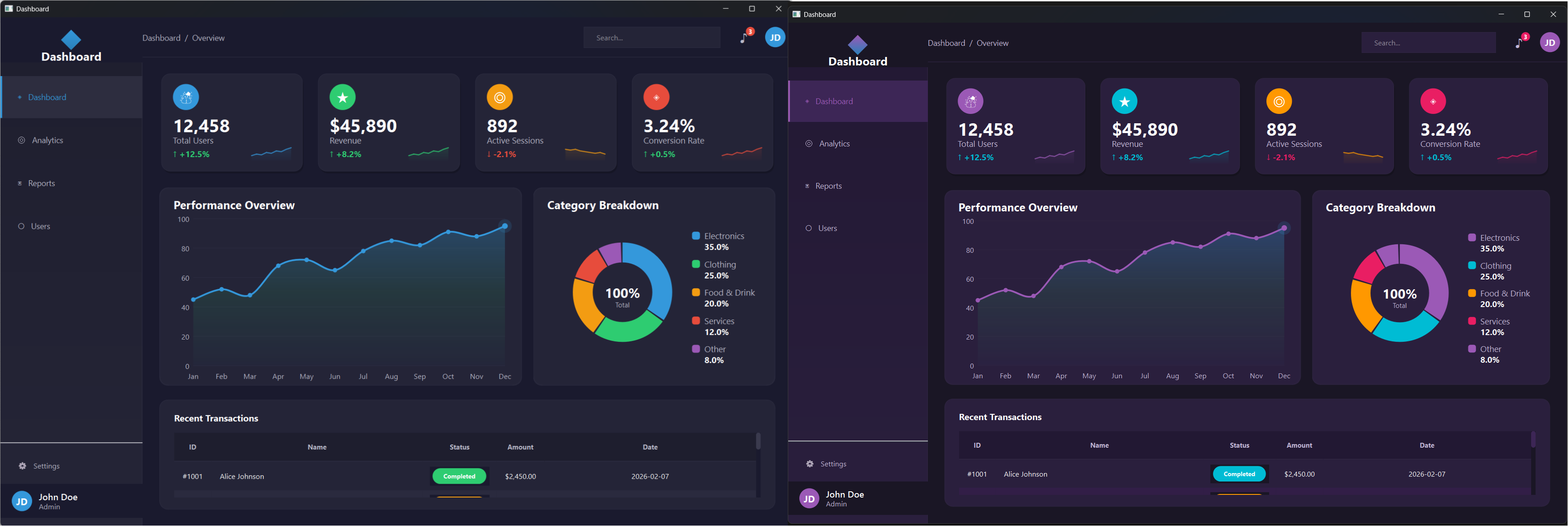
Modern dark themes. Custom-painted charts. Neon cyberpunk accents. Six complete stylesheets you can swap in 60 seconds.

BEFORE
Old-style Qt application
AFTER
Modern Qt dashboard
Dashboard Page
Dashboard
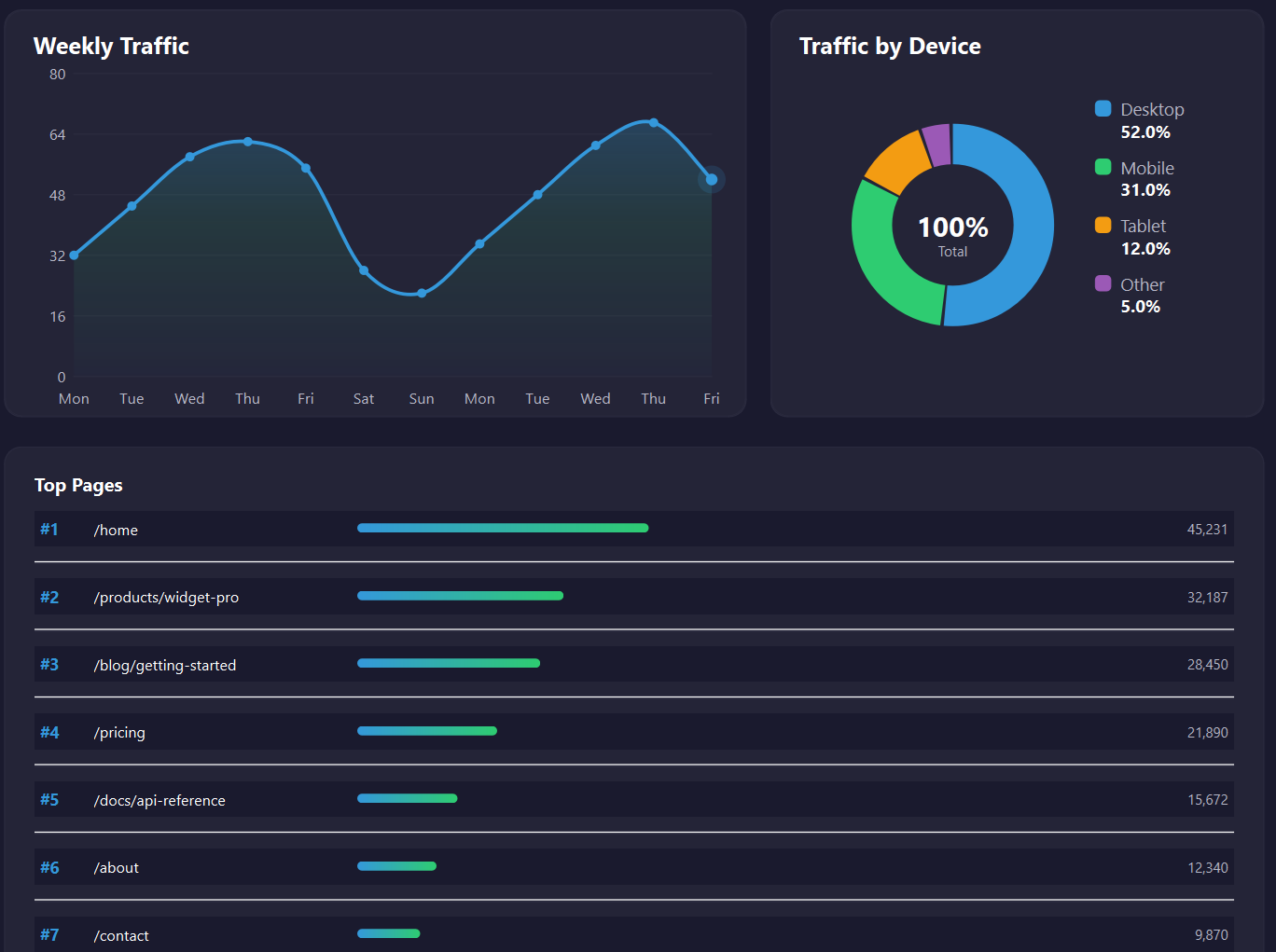
Analytics Page
Analytics
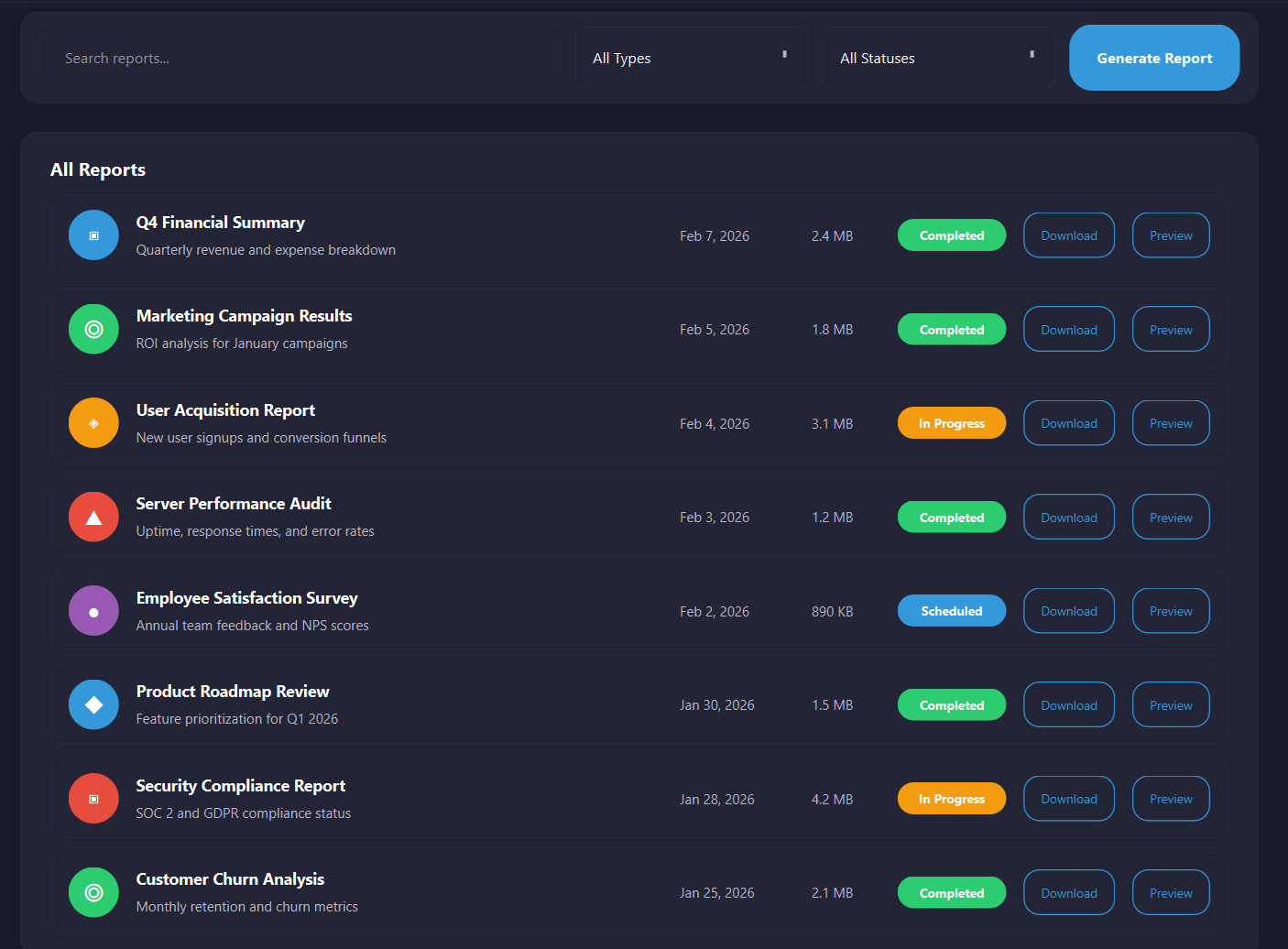
Reports Page
Reports
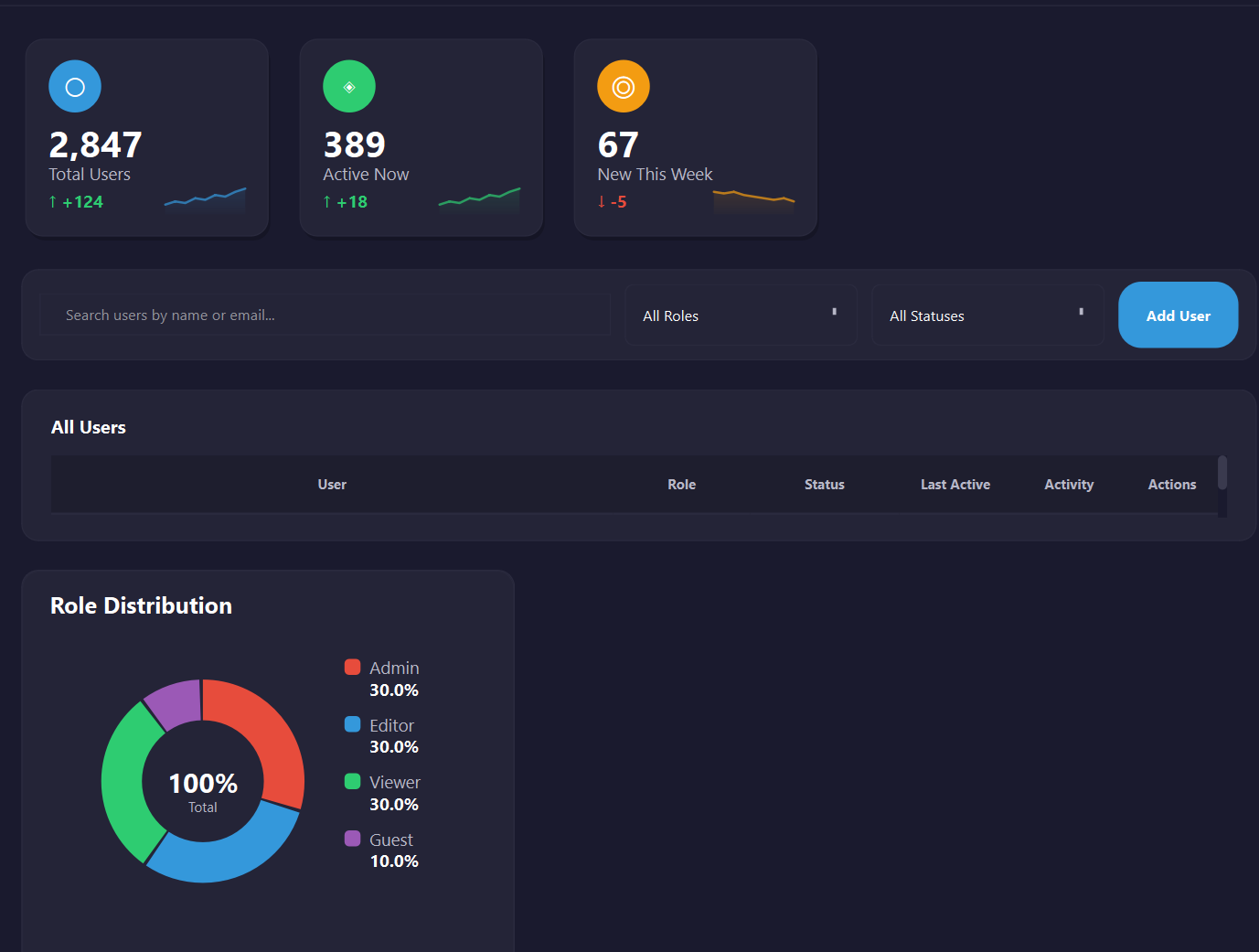
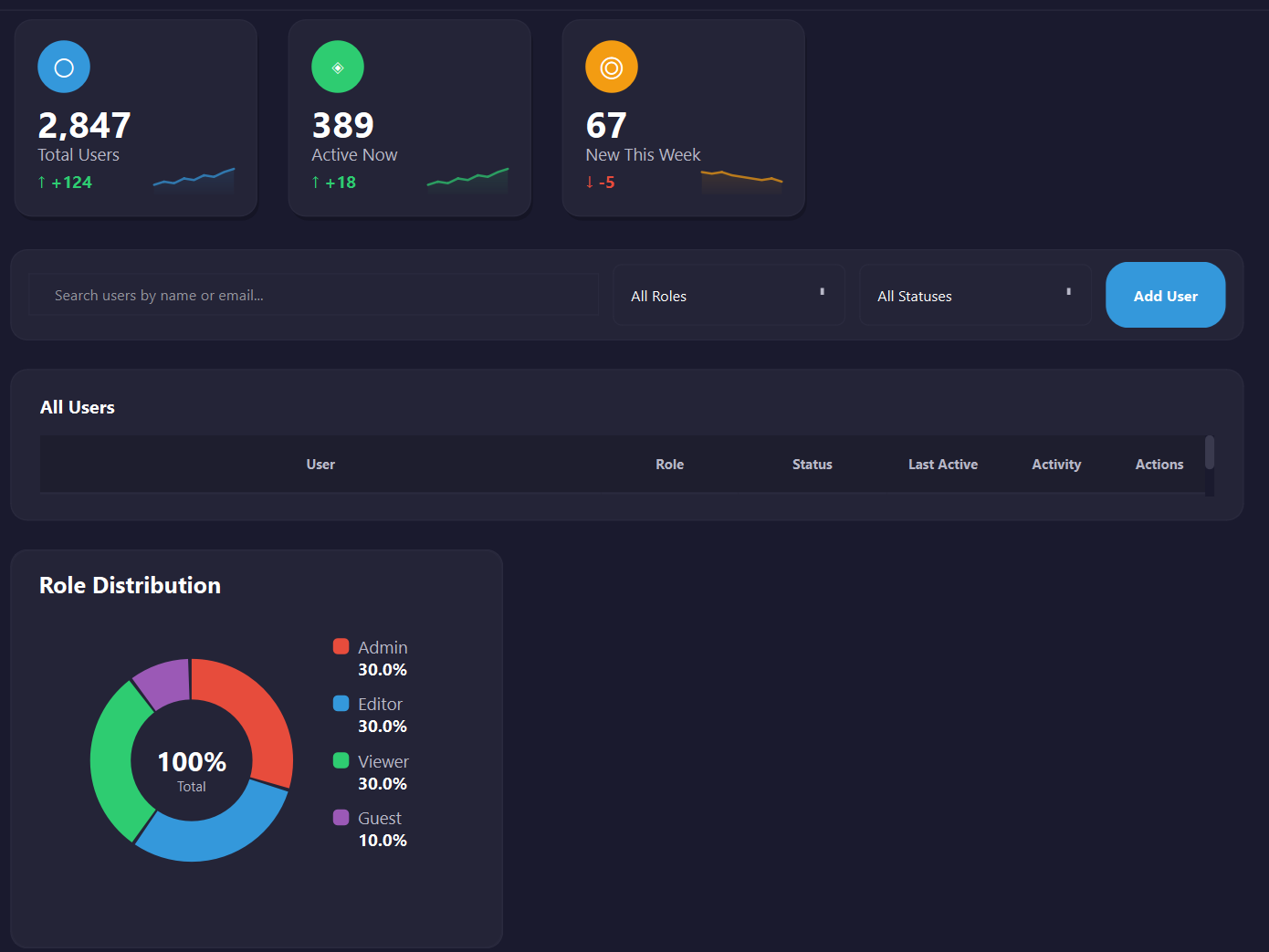
Users Page
Users
Theme Color Swap Comparison

Change one line. Entire app transforms. 6 themes included.

Built for Your Technology Stack

Whether you code in C++, Python, or prefer declarative UI — this book has a chapter written specifically for you.

C++ Developers

You know C++ but desktop UI feels like a black box. This chapter gives you the complete Qt Widgets workflow: CMake builds, QPainter custom rendering, QSS stylesheets, and modern signal/slot connections.

  • Qt Creator + CMake setup
  • Custom-painted stat cards & charts
  • Centralized color palette architecture
  • Add a new page in under 5 minutes

Python Developers

You love Python but Tkinter makes you cry. PySide6 gives you the full Qt API without compilation. Same powerful widgets, instant save-and-run feedback.

  • pip install PySide6 — that's it
  • VS Code workflow, no Qt Creator needed
  • Same QSS themes work unchanged
  • ~40 lines to add a new page

QML / Declarative UI Fans

If you come from React, Flutter, or SwiftUI, QML will feel natural. Property bindings propagate automatically. Theme changes cascade without recompiling.

  • Theme.qml singleton for all styling
  • Named properties: title: "Total Users"
  • C++ integration for performance-critical code
  • ~30 lines to add a new page
Pick Your Tech — Or Try All Three

Get the Free Book + All Source Code

C++, Python, and QML projects included. No credit card required.

No spam. Unsubscribe anytime.

What Developers Are Saying

From complete beginners to senior engineers

"I was torn between C++ and Python for my Qt project. Building the same dashboard both ways made the decision obvious. Saved me weeks of false starts."

SC
Sarah Chen
Software Engineer

"Coming from Python, I thought C++ GUI development would be overwhelming. The side-by-side approach made it click instantly. Now I use Qt professionally."

MR
Mike Rodriguez
Freelance Developer

"The dashboard patterns I learned apply everywhere — built monitoring UIs for IoT devices and financial trading apps. Career game-changer."

PP
Priya Patel
Embedded Systems Engineer

Qt Powers These Industries — Your Dashboard Skills Apply Everywhere

Automotive Medical Devices IoT & Embedded Finance & Trading Industrial Automation Aerospace & Defense

After One Weekend, You'll Have...

Confidence to Choose

Pick your Qt technology based on YOUR hands-on experience — not someone else's blog post

Qt Mental Model

CMake, QSS, color palettes, QPainter, signals/slots, multi-page navigation — all internalized

Clear Trade-offs

~80 lines for a new page in C++, ~40 in Python, ~30 in QML. You'll see it yourself

A Real Project to Extend

Replace the placeholder data with your own API. Build IoT dashboards, CRM tools, financial apps

6 Ready-Made Themes

Dark, Cyberpunk, Nord, Ocean Breeze, Forest, Purple. Use them. Modify them. Create your own

15 Guided Customizations

5 per technology. Swap themes, change data, add pages — step by step with real results

Stop Guessing. Start Building.

63 pages. 3 technologies. 6 themes. Complete source code. One weekend.

Join 4,000+ developers who stopped debating and started building.

Get Your Free Copy Now

Delivered instantly to your inbox. Start this weekend.

No spam. Unsubscribe anytime.