Professional Desktop Apps with Qt and C++: A New Book on Building a Real Cross-Platform System Monitor
Most Qt tutorials show you a button that prints “Hello World” and call it a desktop application. They are not wrong, technically. But they leave you stuck in the gap between “I can follow a tutorial” and “I can actually build something real.”
I wrote a new book to close that gap, and it is now live on Amazon: Professional Desktop Apps with Qt and C++: Build a Complete System Monitor with Custom Widgets, Real-Time Charts, and Cross-Platform Architecture.
The premise is simple. You build one non-trivial application from an empty Qt Creator project all the way to a polished, themed, cross-platform desktop tool. Not a toy. A real system monitor that talks to the operating system, samples live data, paints custom widgets, and runs natively on Windows, Linux, and macOS.
Here is what you end up with by the final chapter:
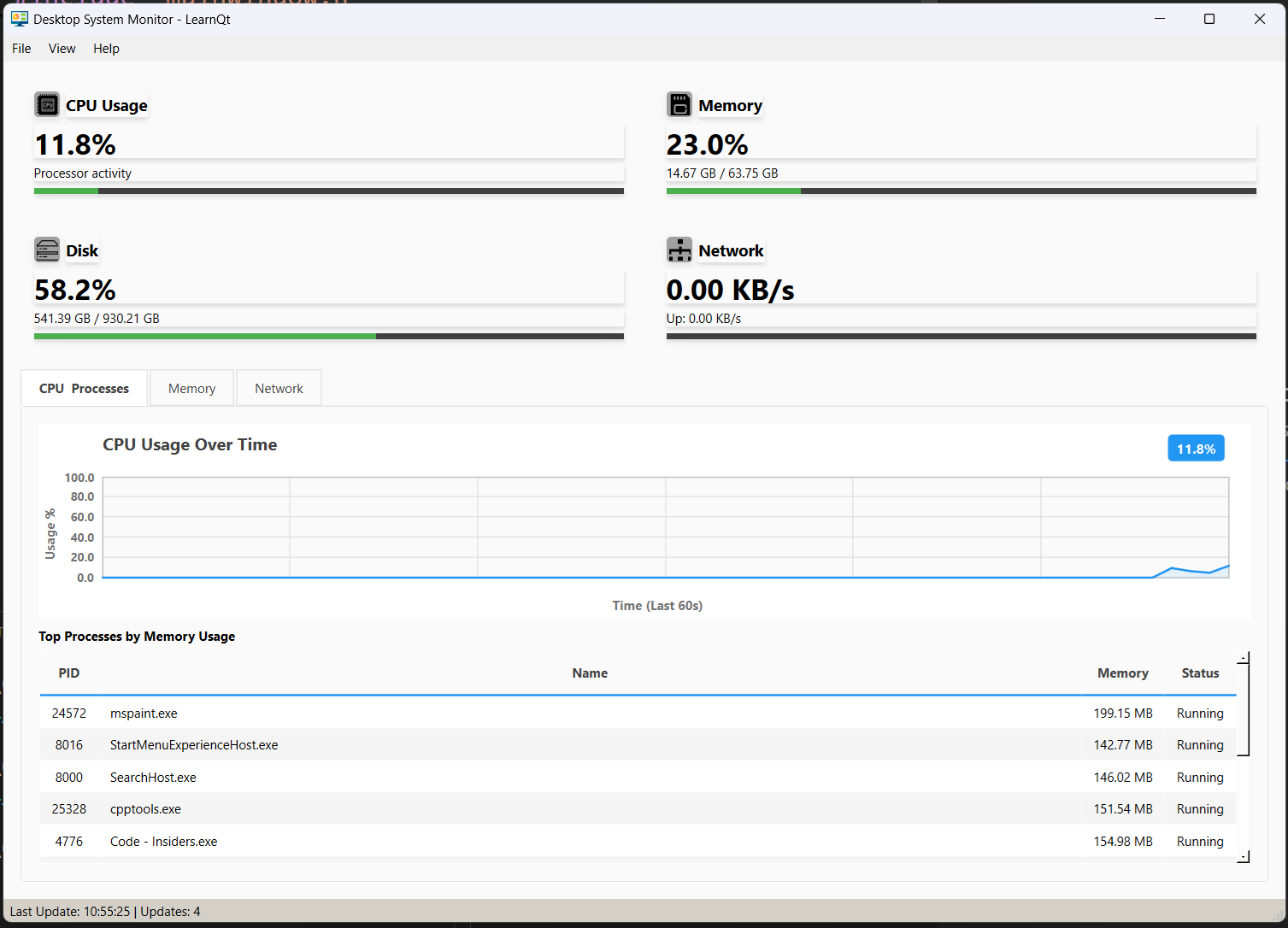
That is real CPU usage, real memory pressure, real disk capacity, real network throughput, and a real list of processes that your operating system is actually running. Every number you see was pulled from a platform API the book teaches you to call directly.
What This Book Is Actually About
The book is built around one idea: you learn to build real software by building real software. No mock data. No “imagine if this were a database.” Every iteration adds a piece you can build, run, and see working before the next chapter starts.
If you know some C++ and you have done a tutorial or two on Qt, this book is the next step. It does not assume you have ever touched the Win32 API, or /proc, or Mach kernel calls. It does assume you are willing to compile something, run it, and look at the output before turning the page.
The Seven Iterations
The application is built across seven progressive iterations, each one a self-contained chapter that leaves the project in a runnable state. You never spend forty pages writing code that does not compile.
Iteration 1 sets up a clean Qt Creator project. Empty window. That is the entire goal of the chapter, and it is the right place to start.
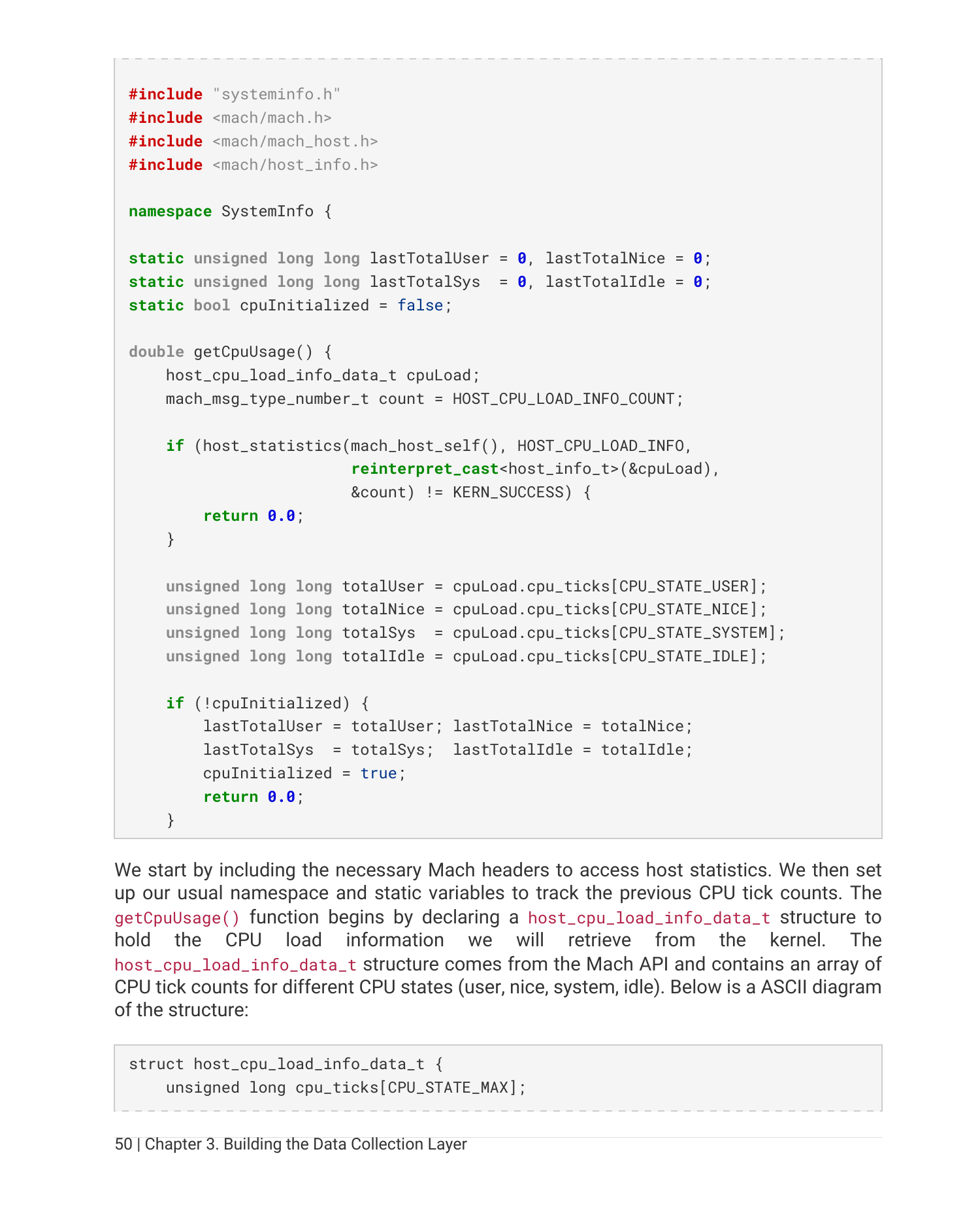
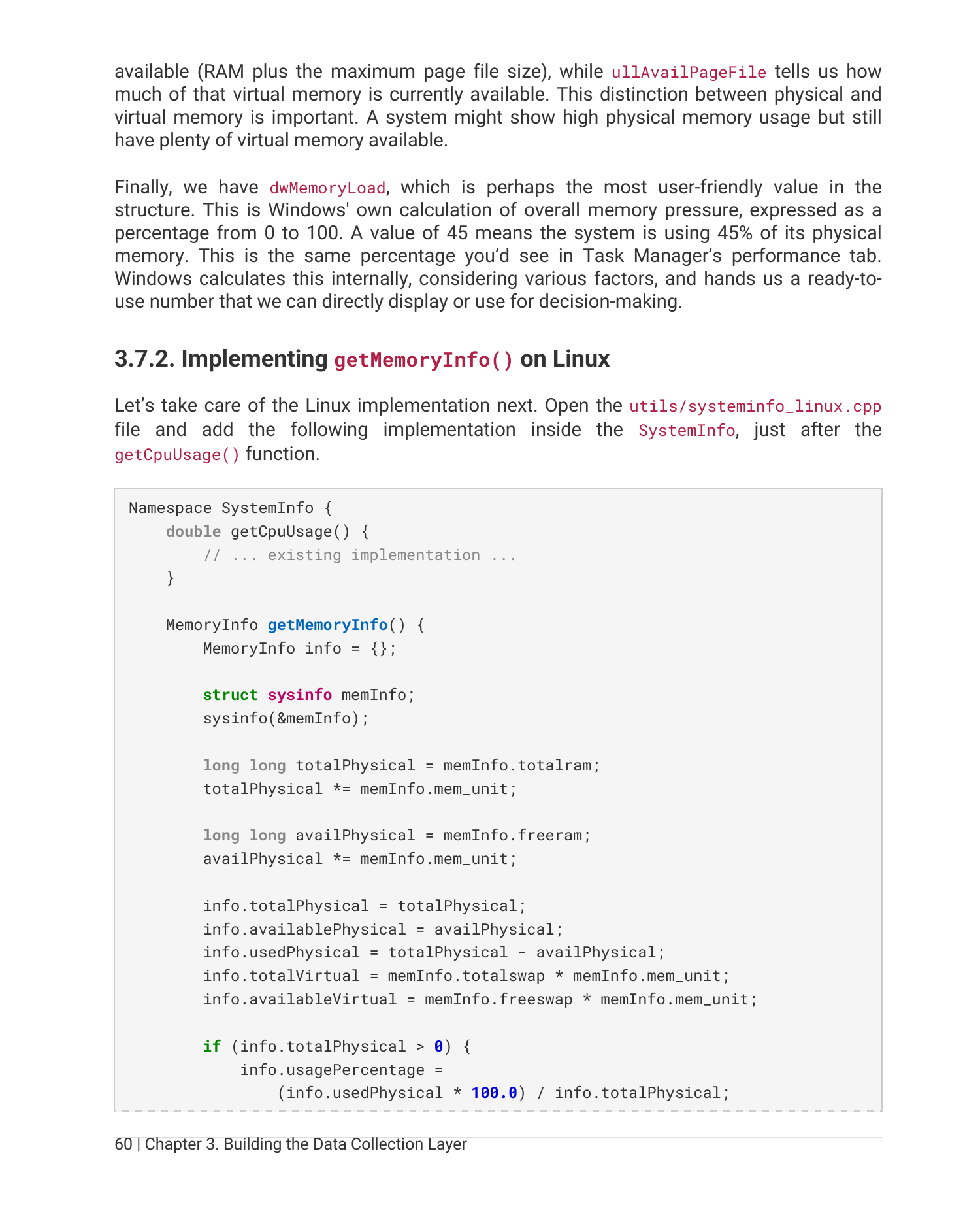
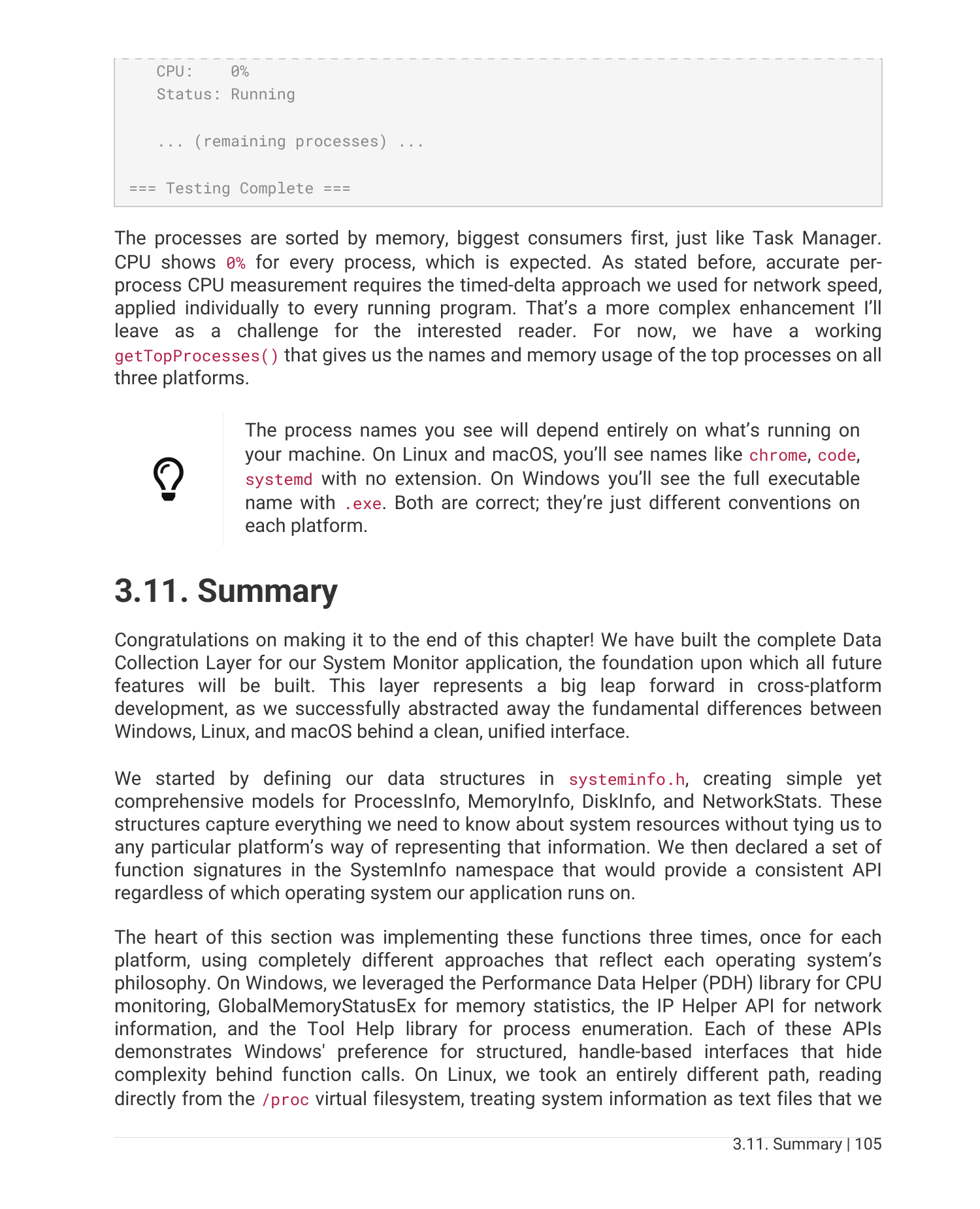
Iteration 2 is where the real fun begins. You build the data collection layer that talks directly to the operating system. Three implementations, one common interface:
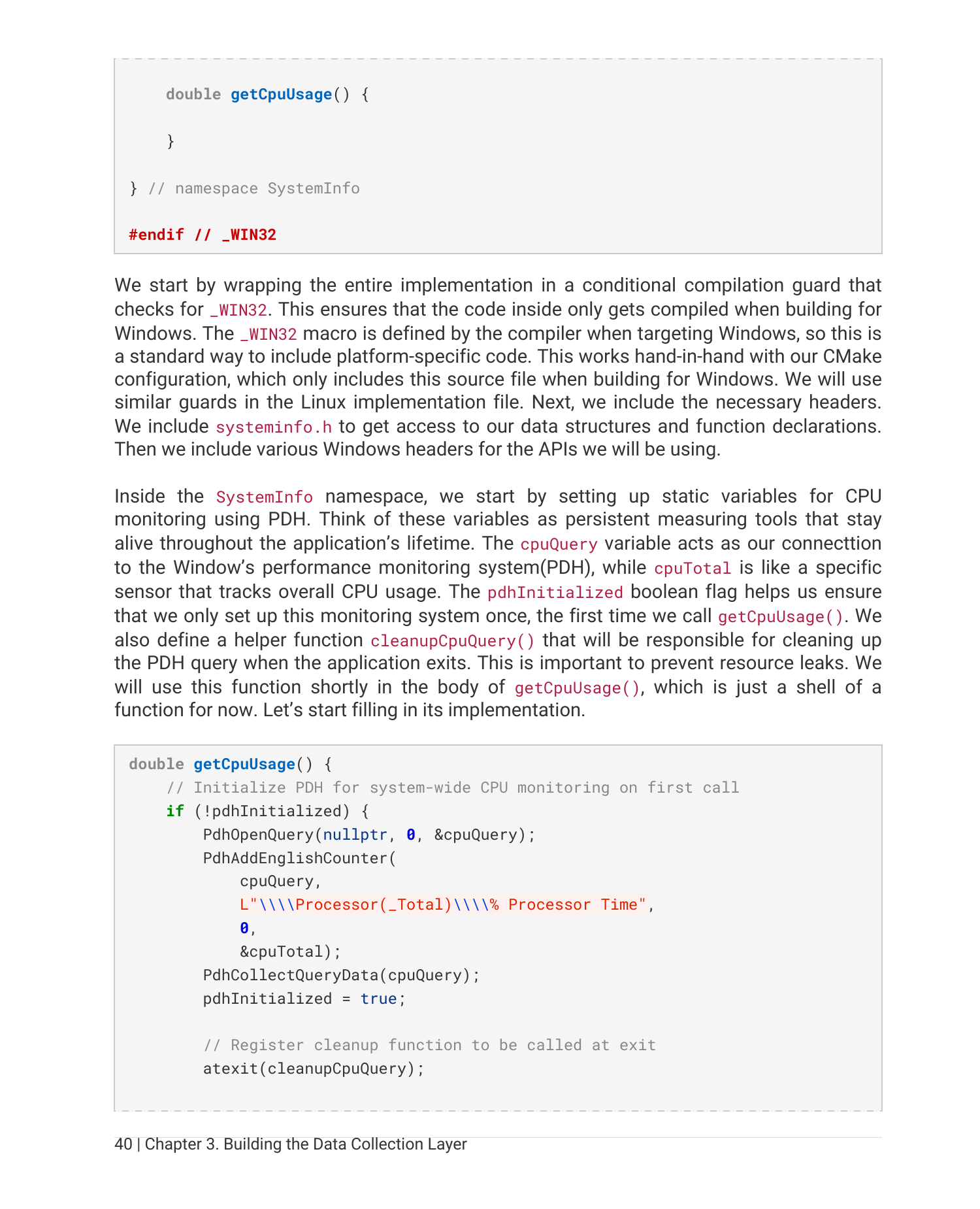
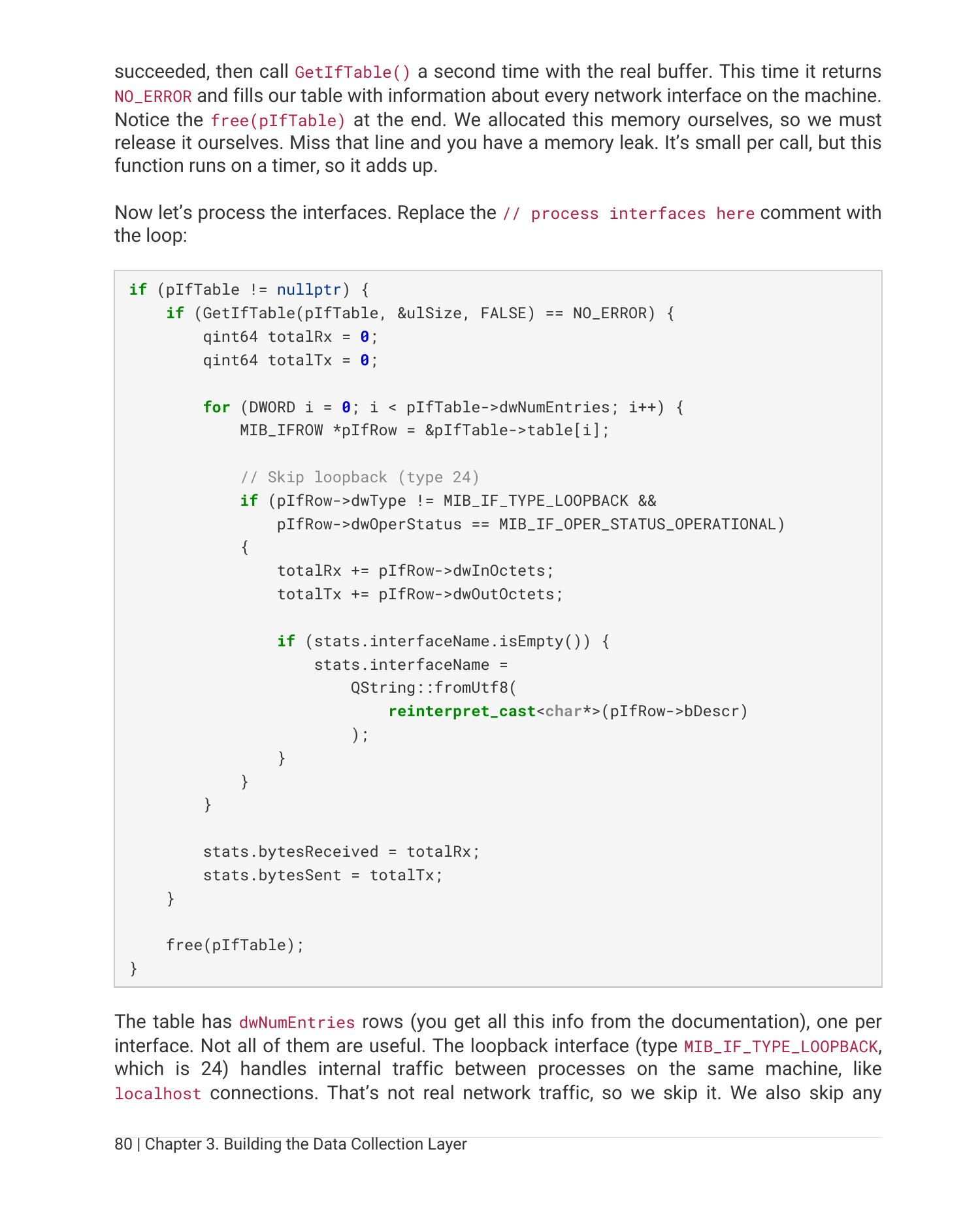
- Windows: Performance Data Helper (PDH),
GlobalMemoryStatusEx, IP Helper, Tool Help, PSAPI - Linux:
/proc/stat,/proc/meminfo,/proc/net/dev,/proc/[pid]/...,sysinfo(),statvfs() - macOS:
host_statistics64,sysctlbyname,getifaddrs,proc_listpids,proc_pidinfo
CMake picks the right source file at build time. Preprocessor guards keep each platform safe. By the end of the chapter you have console output proving that all three platforms return real numbers.
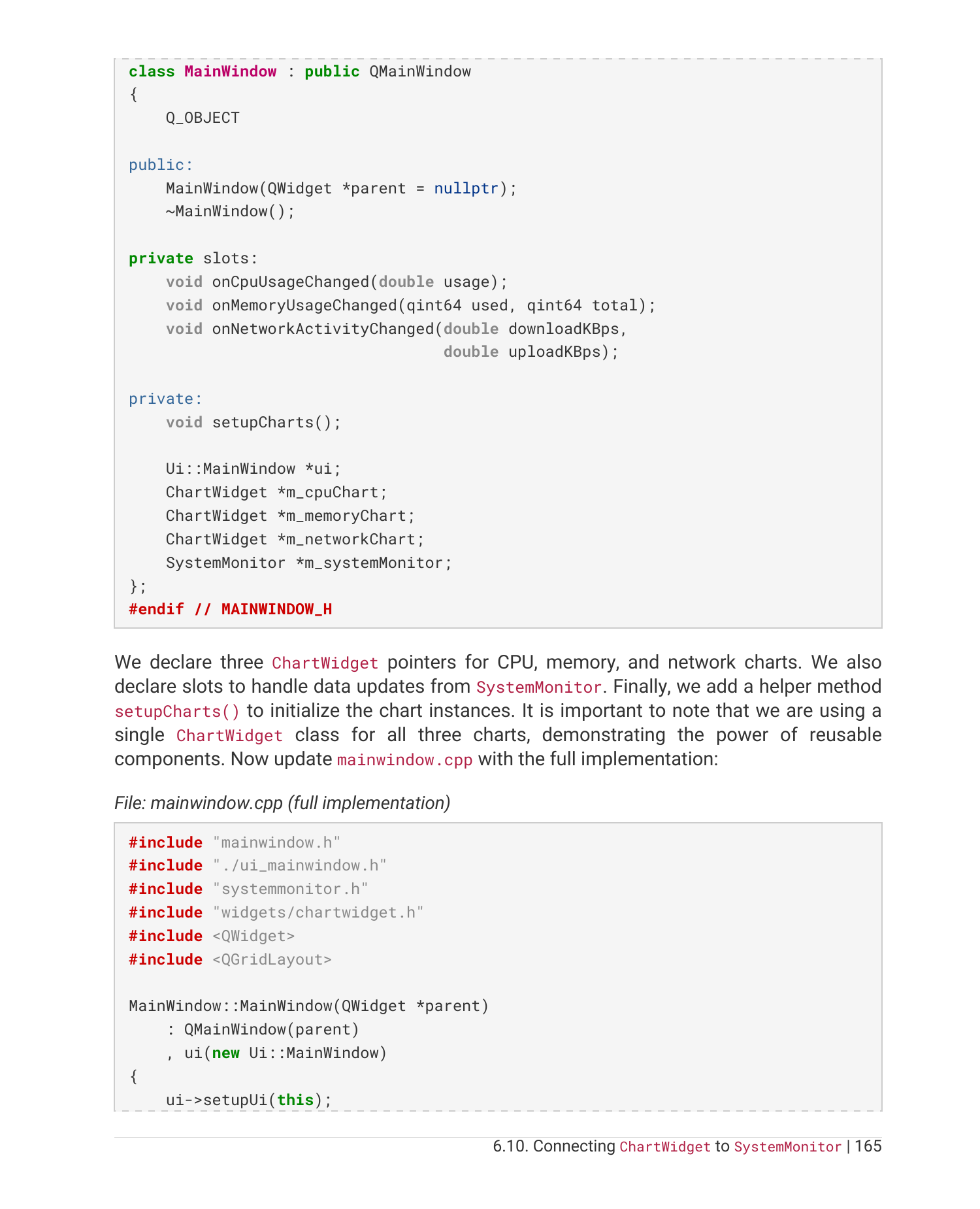
Iteration 3 introduces the SystemMonitor business logic class. A QTimer polls the data layer once a second, signals fire when values change, and the rest of the application stops caring about platform details forever. This is the layer that makes the architecture clean.
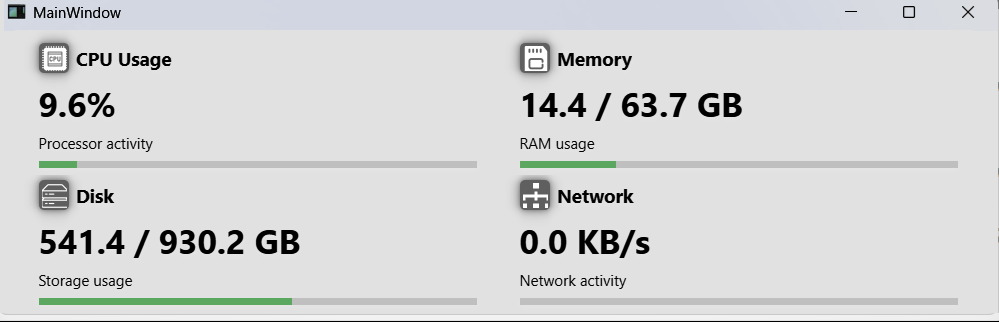
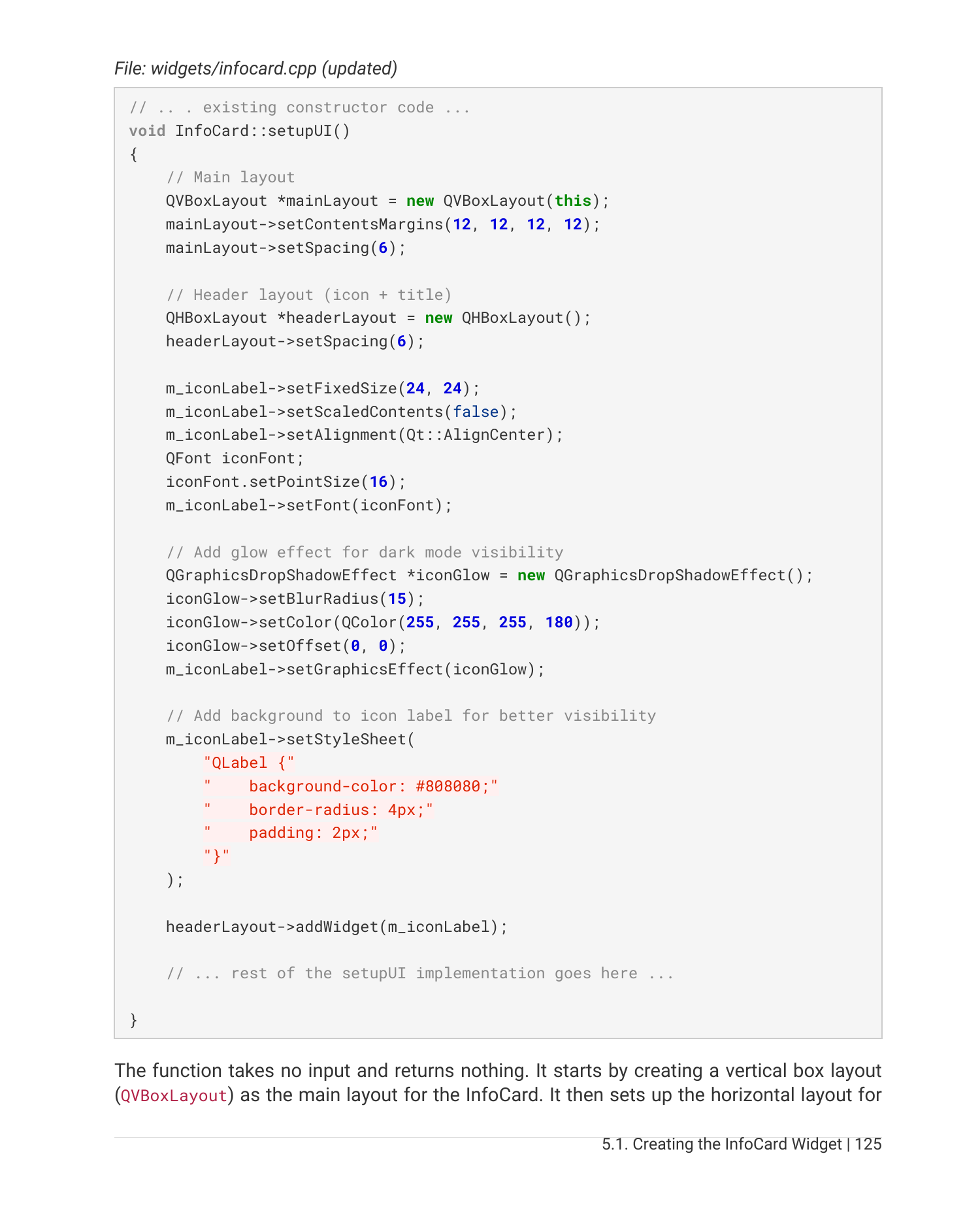
Iteration 4 is where the UI starts to feel like a real product. You build a custom InfoCard widget from scratch using QPainter. Icon, title, big value, subtitle, percentage bar, theme-aware colors. Reusable. Composable. Yours.
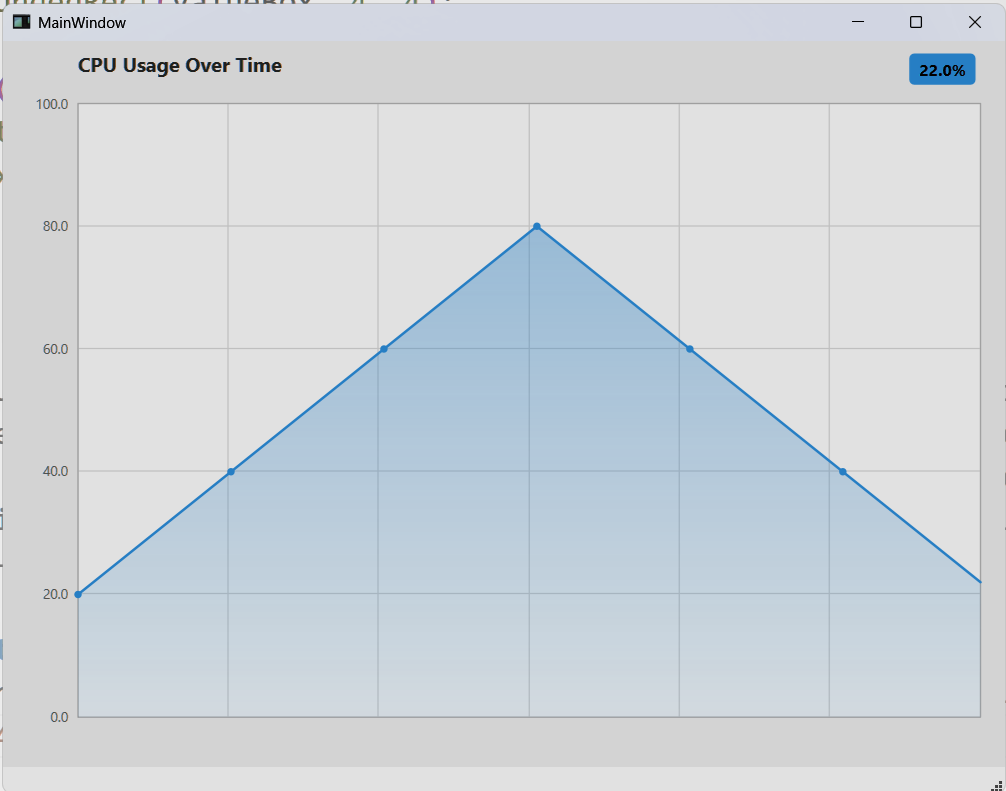
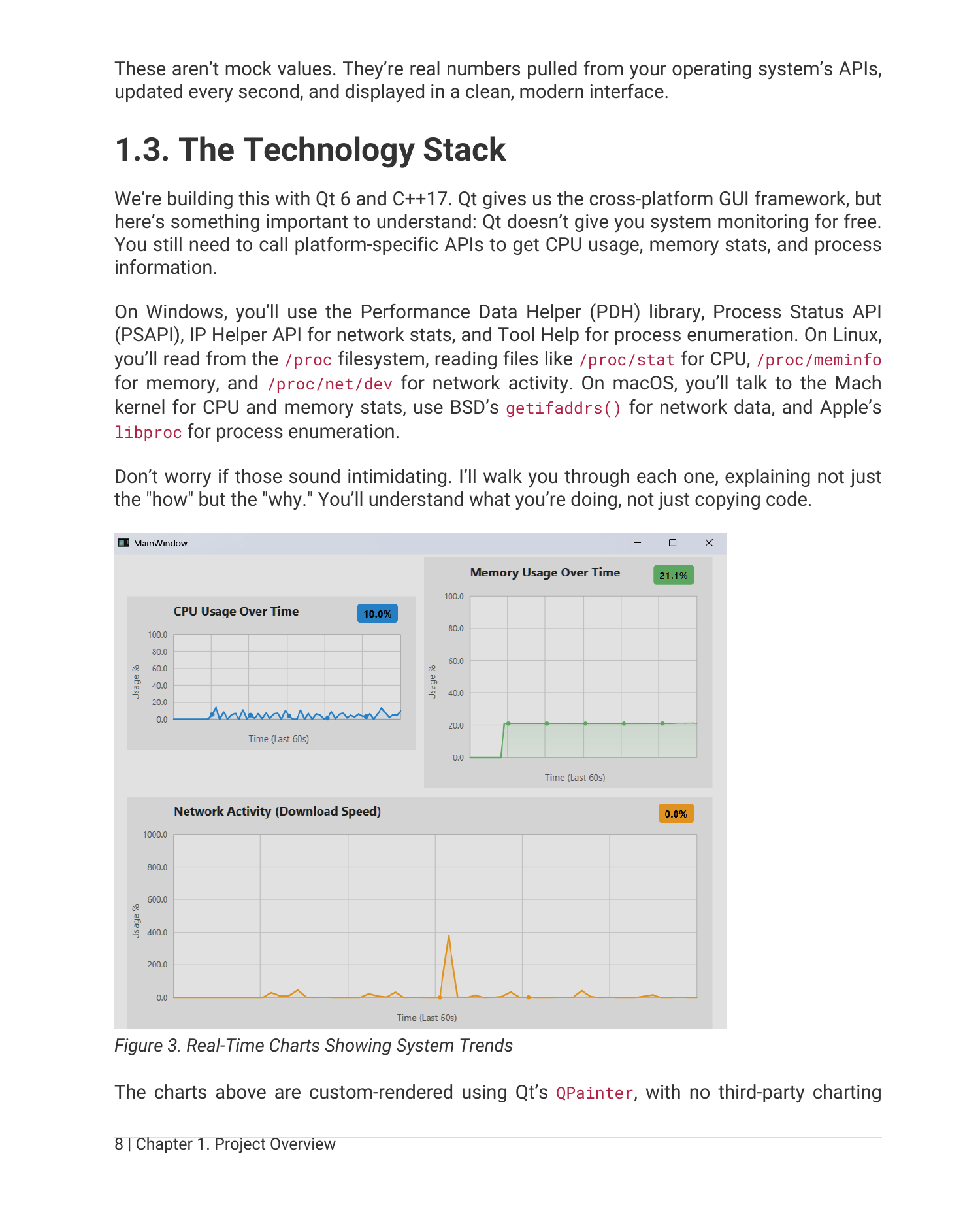
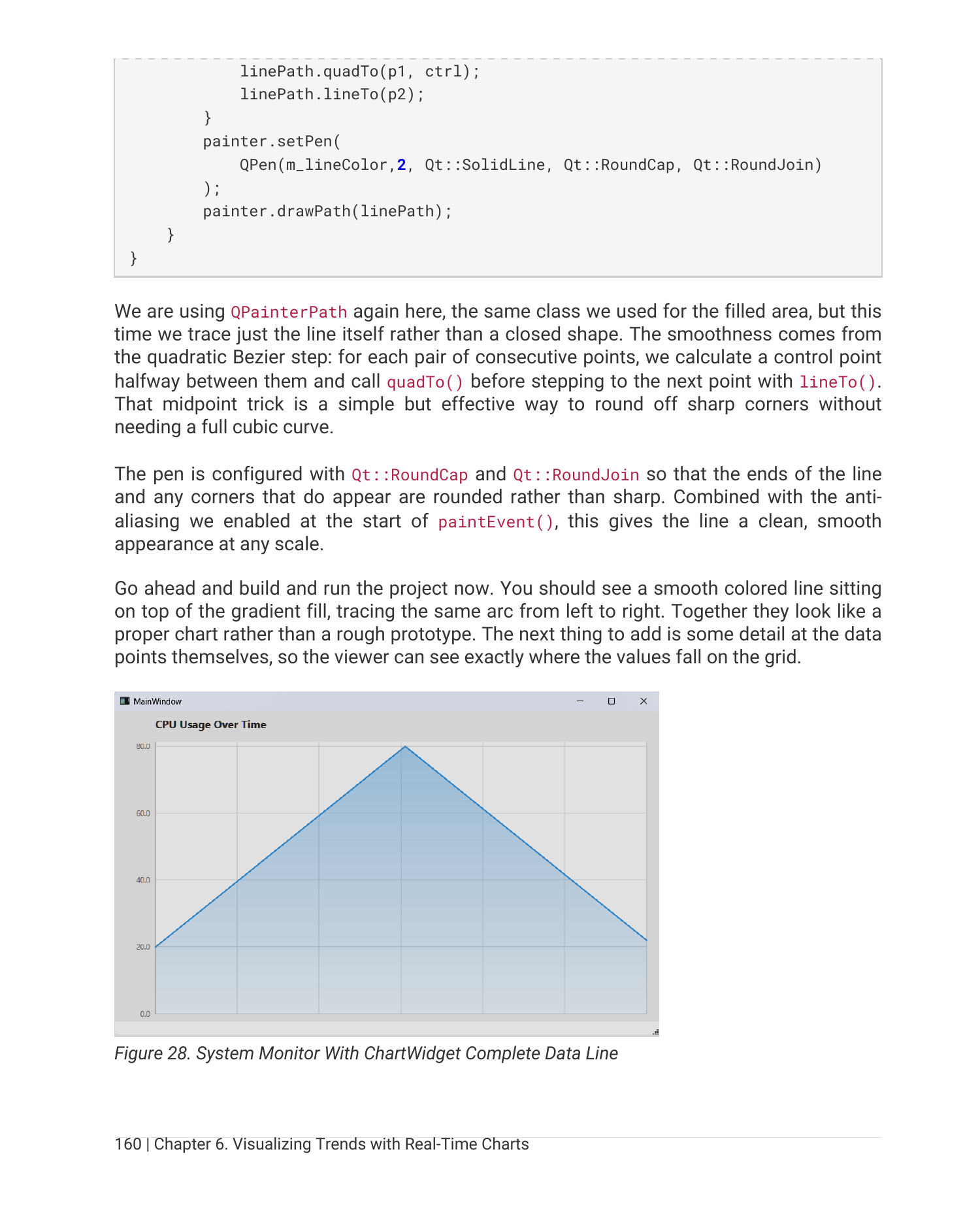
Iteration 5 is the chapter people will probably enjoy most. You build a real-time scrolling line chart from nothing. No QtCharts. Just QPainter, a vector of data points, a paint event, and the patience to add one feature at a time. Grid lines first. Then axis labels. Then the data line. Then a filled gradient under it. Then Bezier smoothing. Then a value badge. Each step compiles and runs.
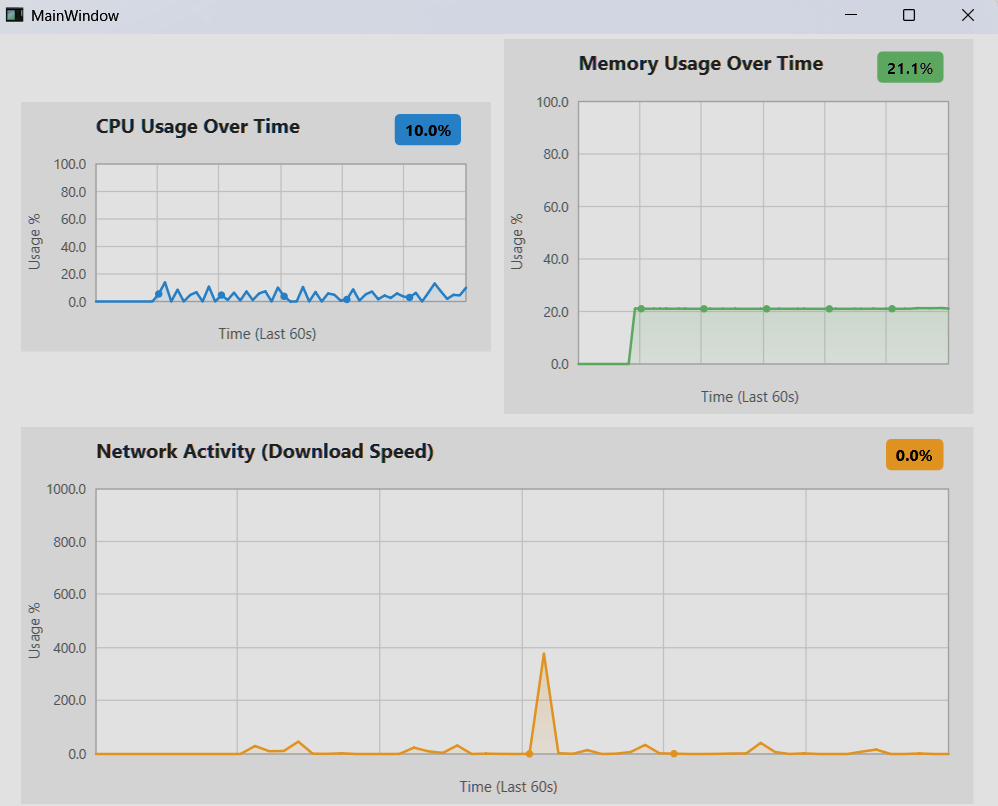
By the end of the chapter, you have three of them on screen, sampling at 1 Hz, scrolling smoothly:
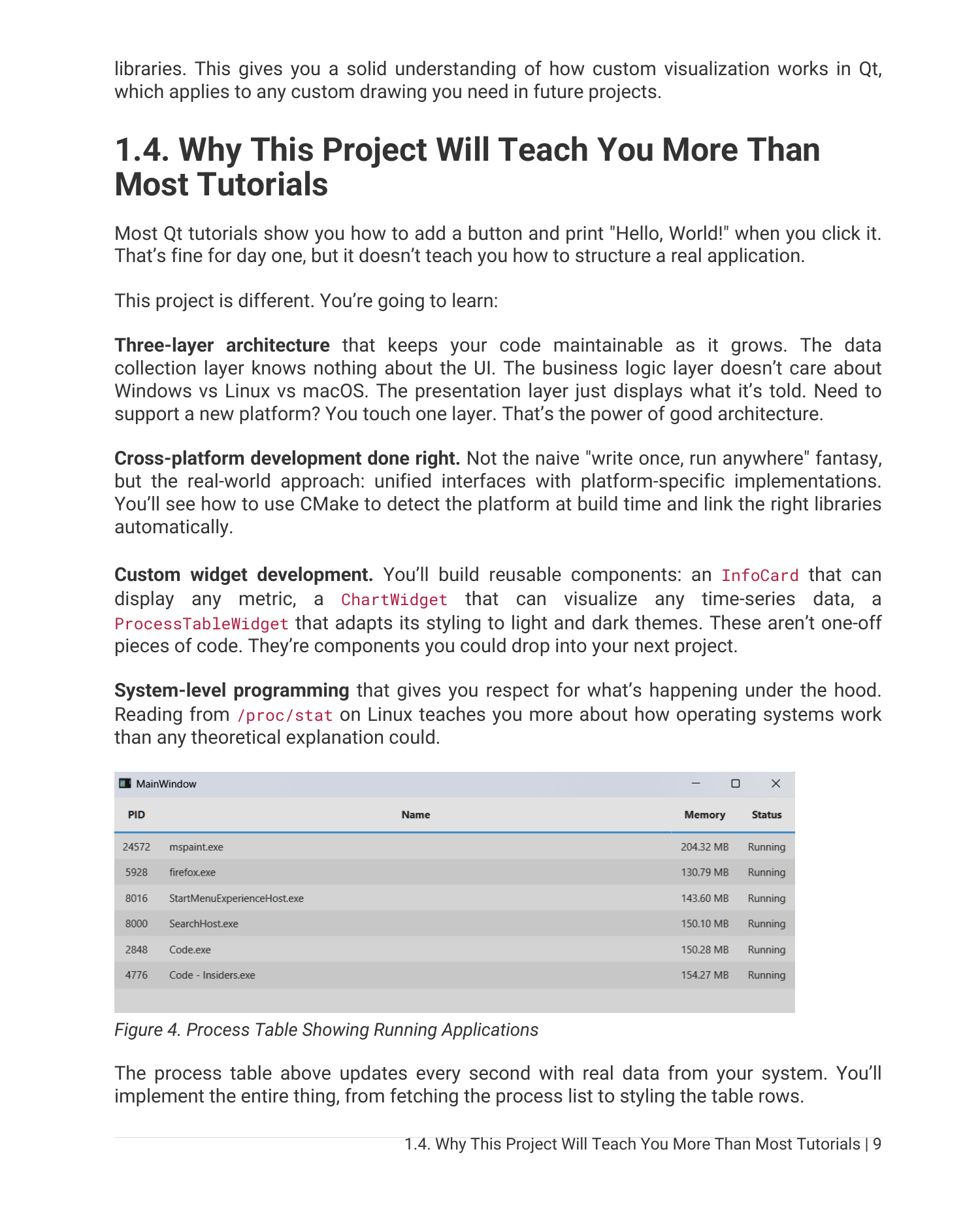
Iteration 6 adds a ProcessTableWidget that subclasses QTableWidget to show the top processes by memory, updating without flicker.
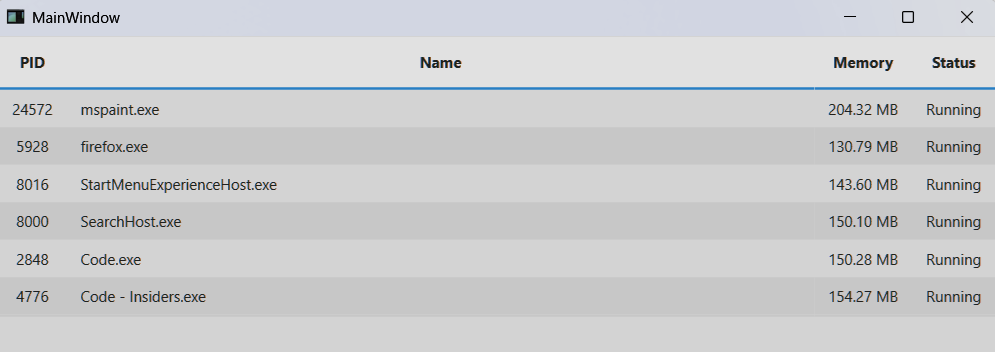
Iteration 7 brings everything together. Menus, tabs, a Theme class that flips the entire UI between dark and light through a single QPalette change. This is the chapter that turns a working prototype into something that looks and feels like an application you would actually ship.
Here is the same app in light mode, after the theme system goes in:
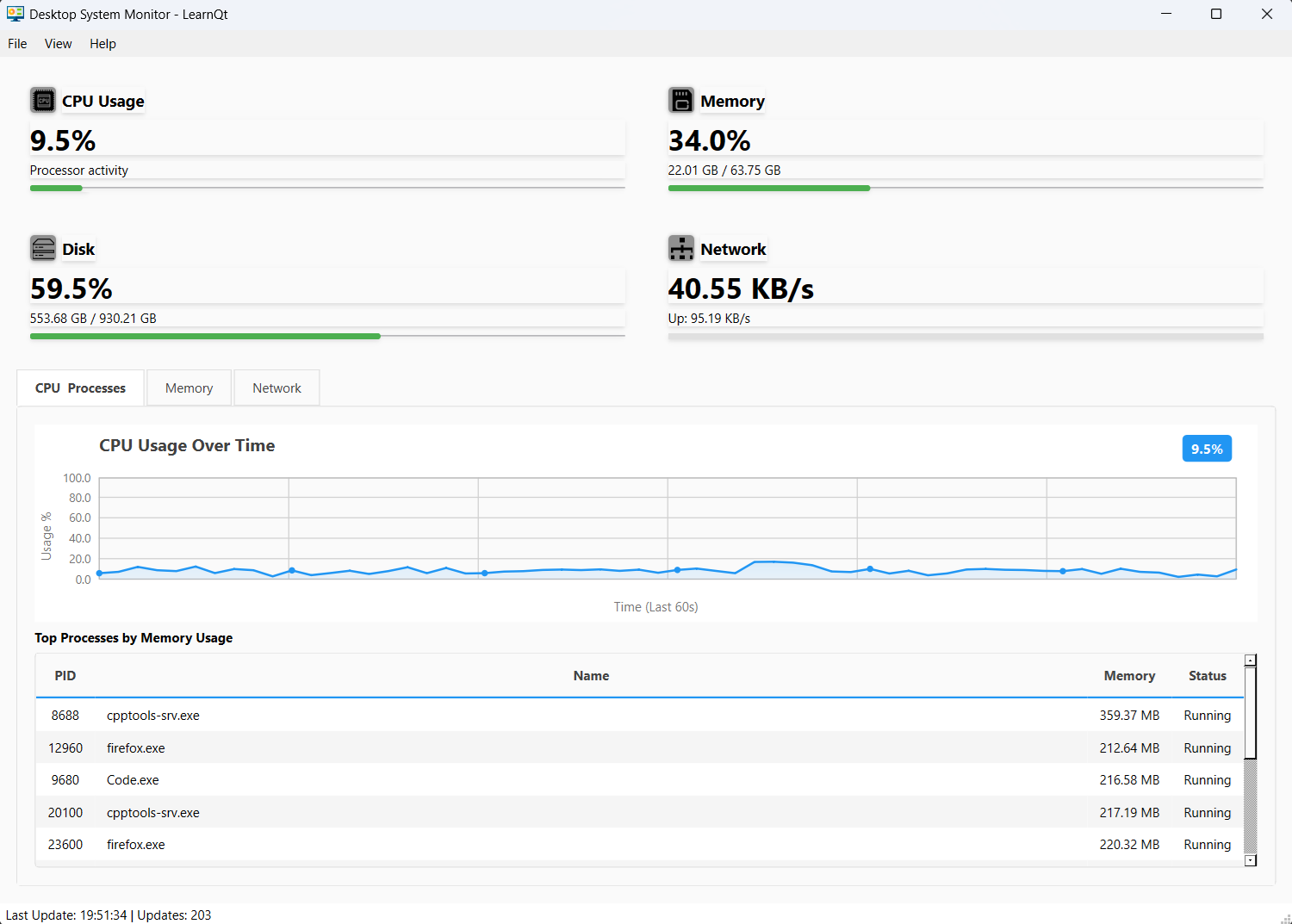
One application. Two themes. Zero changes to the widgets that draw the cards or the charts. That is what a clean theming layer buys you.
Why a Three-Layer Architecture Matters
Every chapter pulls toward the same architectural shape. Three layers, each with one job:
- Data Collection. Free functions in a
SystemInfonamespace, with three platform-specific implementations selected at build time. - Business Logic. A
SystemMonitorclass that polls, caches, and emits signals. No UI code. No platform conditionals. - Presentation.
MainWindowand the custom widgets. They listen for signals and update themselves. They never poll. They never call platform APIs.
The reason the book keeps coming back to this is that it actually transfers. You will use this same pattern on the next desktop project you build, even if it has nothing to do with system monitoring. Knowing where to put a thing is most of what makes a codebase pleasant to work in two years later.
The Code Is Real, And There Is a Lot of It
The book shows complete code. No ... elisions. No “rest of the implementation is left as an exercise.” If a function is on the page, it is a function you can copy into your project and watch compile.
Every chapter follows the same rhythm. Show the code. Walk through what it does. Tell you to build and run. Describe what you should see. Then move on. If you have ever read a programming book that left you guessing whether your output was right, you know how much that rhythm matters.
The full source is also mirrored on GitHub at github.com/rutura/SystemMonitor so you can compare your code against the reference at any iteration boundary.
A Look Inside the Book
Here are real pages from the PDF. Code, diagrams, and screenshots-in-context.
Who This Book Is For
It is for you if:
- You know some C++ and you want to graduate from toy tutorials to real applications.
- You want to understand how desktop software actually talks to the operating system on three different platforms.
- You want to build custom widgets from scratch with
QPainter, not just glue together stock controls. - You are tired of tutorials that explain syntax and leave you stuck on architecture.
- You want one finished, polished project on your hard drive at the end, not seven half-built experiments.
It is probably not the right book if you have never written any C++ at all, or if you are looking for a Qt Quick / QML book. The focus here is Qt Widgets with C++17, on the desktop, on all three major platforms.
Companion to the LearnQt Course Platform
The book is companion material to the LearnQt Course Platform, and in particular to the Desktop Apps with Qt Widgets and C++ course. If you prefer learning by reading at your own pace, the book stands on its own. If you prefer watching me build it on screen, the course is there. They are designed to fit together, not compete.
Grab a Copy
You can pick up the book on Amazon here: Professional Desktop Apps with Qt and C++.
If you have been looking for a Qt project that is meaty enough to actually teach you something but small enough to finish, this is it. Open Qt Creator, start with an empty MainWindow, and by the time you reach the last chapter you will have a real cross-platform desktop application that you built end to end, that you understand line by line, and that runs on every desktop OS your users care about.
Happy coding!
Qt6 QML For Beginners Book
Master the fundamentals of Qt6 QML development with this comprehensive 400+ page guide. Learn declarative UI programming from scratch with real-world examples and cross-platform development techniques.
Qt6 QML Advanced - C++ Integration
Take your Qt6 QML skills to the next level with advanced C++ integration techniques. 350+ pages covering QML-C++ integration, performance optimization, and advanced patterns for production-ready applications.

Desktop Apps with Qt Widgets and C++
Master professional desktop application development using Qt Widgets and modern C++. 40+ hours of content with 5+ real projects. Perfect for beginners to intermediate developers.
Desktop Apps with Qt Widgets and PySide6
Learn to build powerful desktop applications using Qt Widgets and Python. 35+ hours of hands-on content with 4+ real-world projects to boost your Python GUI skills.
Qt QML From Beginner to Pro
Master modern UI development with Qt QML and Qt Quick. 50+ hours of comprehensive training with 6+ real projects. Build fluid, dynamic interfaces for desktop, mobile, and embedded devices.
Multi-Threading and IPC with Qt C++

Harness the power of multi-threading and inter-process communication in Qt. 8-12 hours of intensive training with 6+ hands-on demos. Take your Qt C++ skills to the next level.